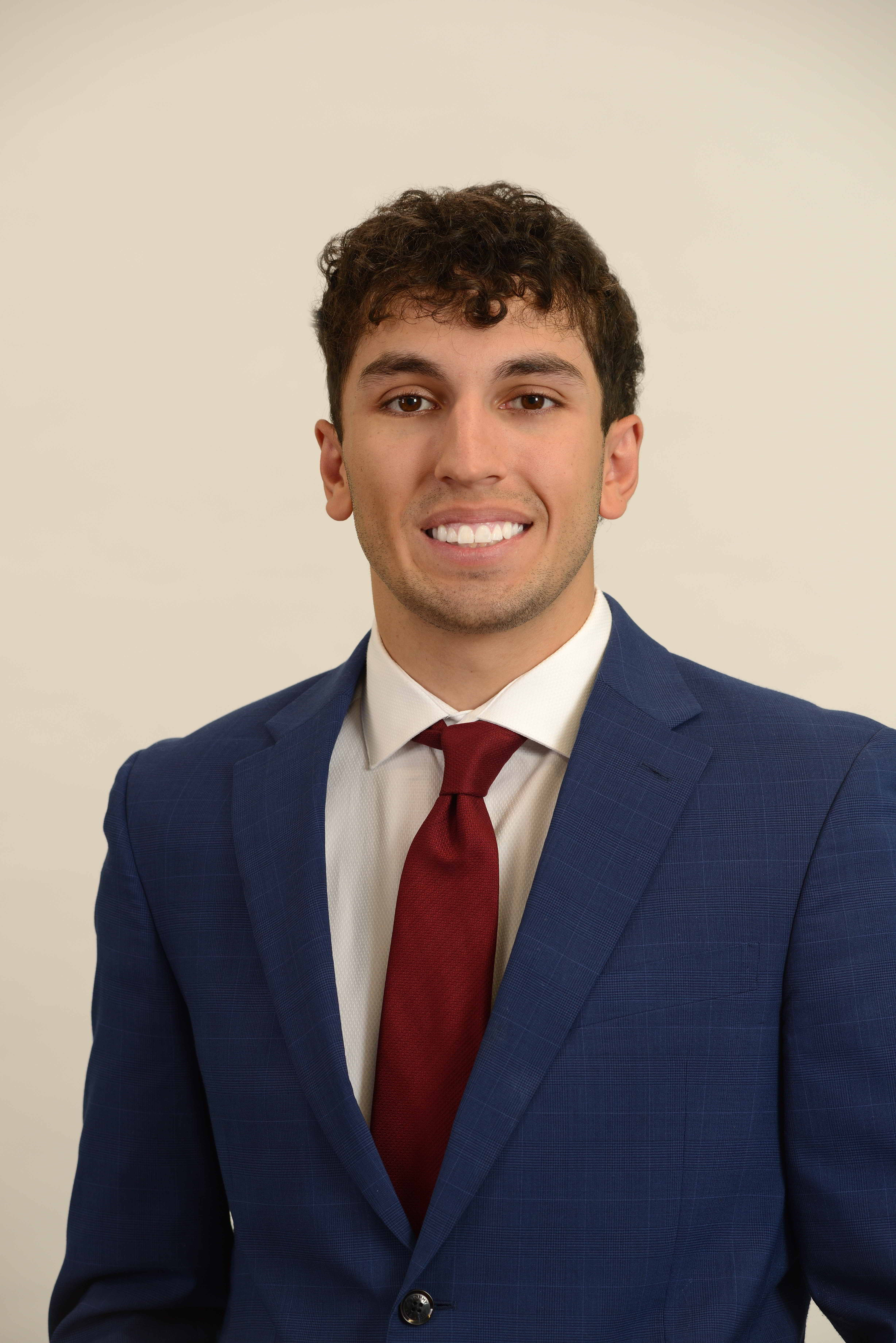
In business marketing, a headshot is rarely “just a photo.”
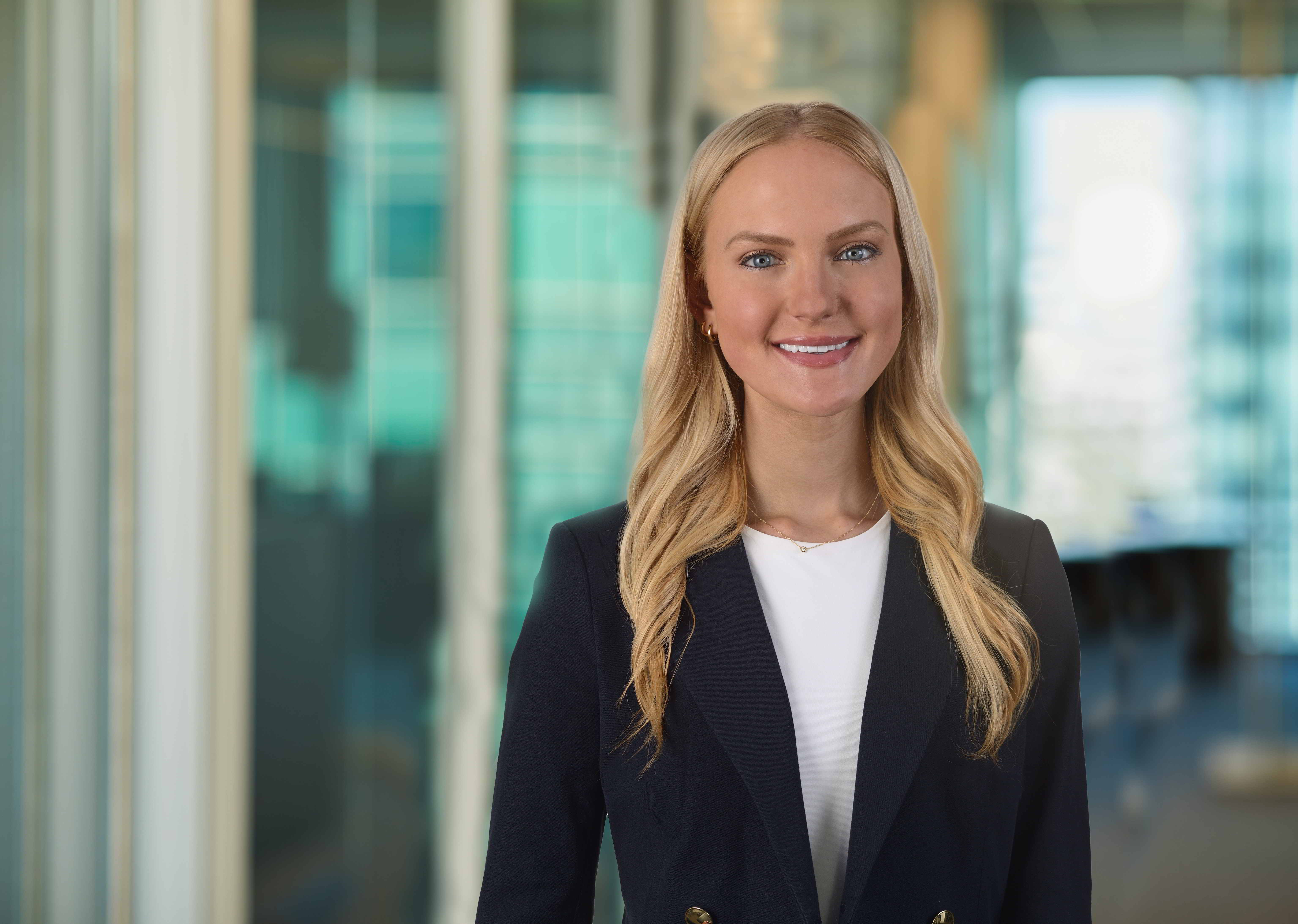
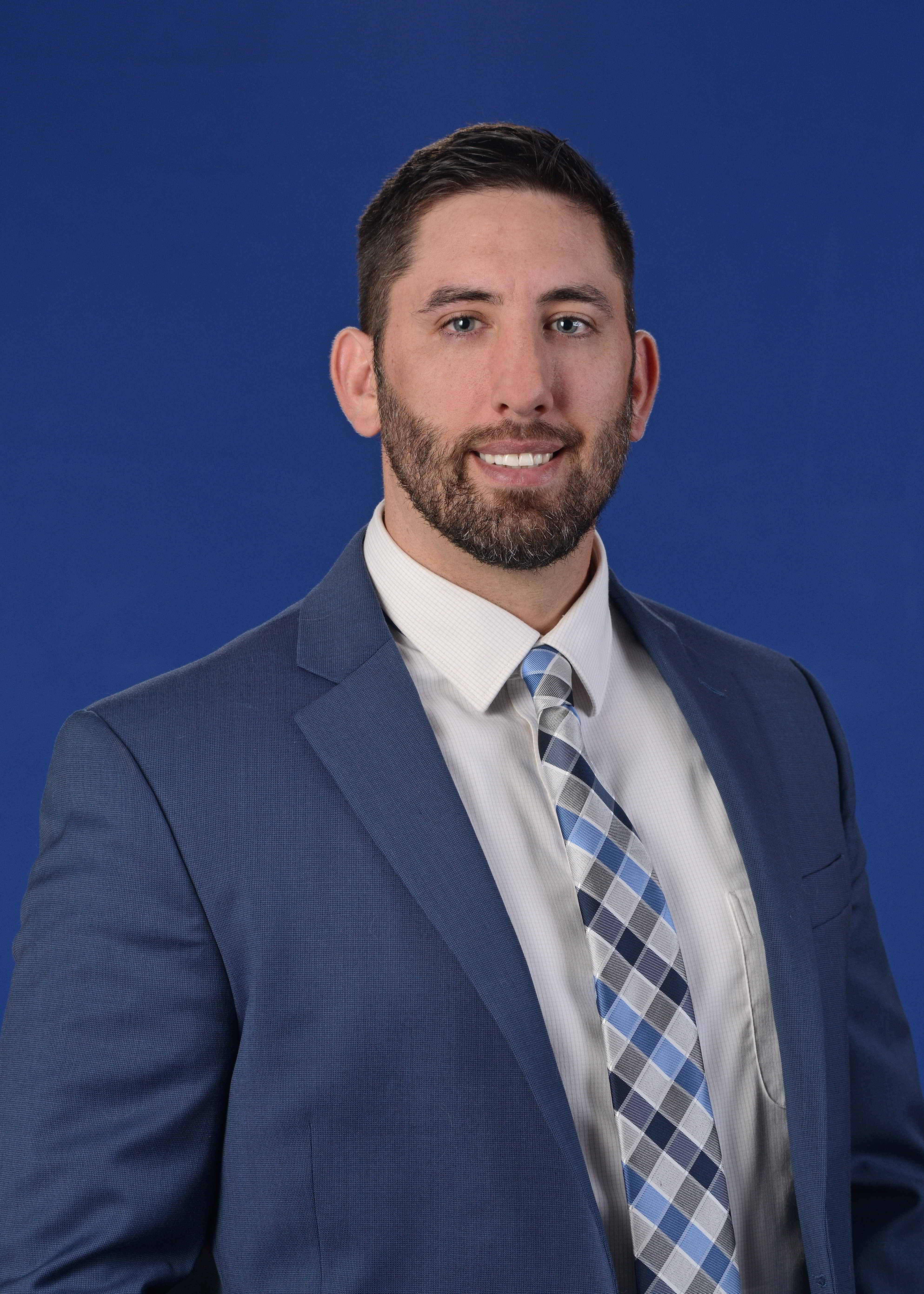
It is often the first visual introduction a potential client, hiring candidate, investor, donor, or partner sees before a conversation ever begins. It appears on websites, LinkedIn profiles, pitch decks, press releases, proposals, conference materials, internal directories, recruiting pages, email signatures, and social platforms. For many organizations, headshots quietly shape first impressions every day.
That is why decision makers should think beyond the question, “How much do headshots cost?” and instead ask, “What is the most economical way to produce professional headshots that support our brand, save time, and deliver long-term value?”
The answer is not always the lowest price. The most economical choice is the option that delivers consistent, usable, brand-aligned images efficiently—with minimal disruption, fewer reshoots, and a stronger visual return across multiple marketing channels.
At St Louis Headshots, we approach headshot production with that business-first mindset.
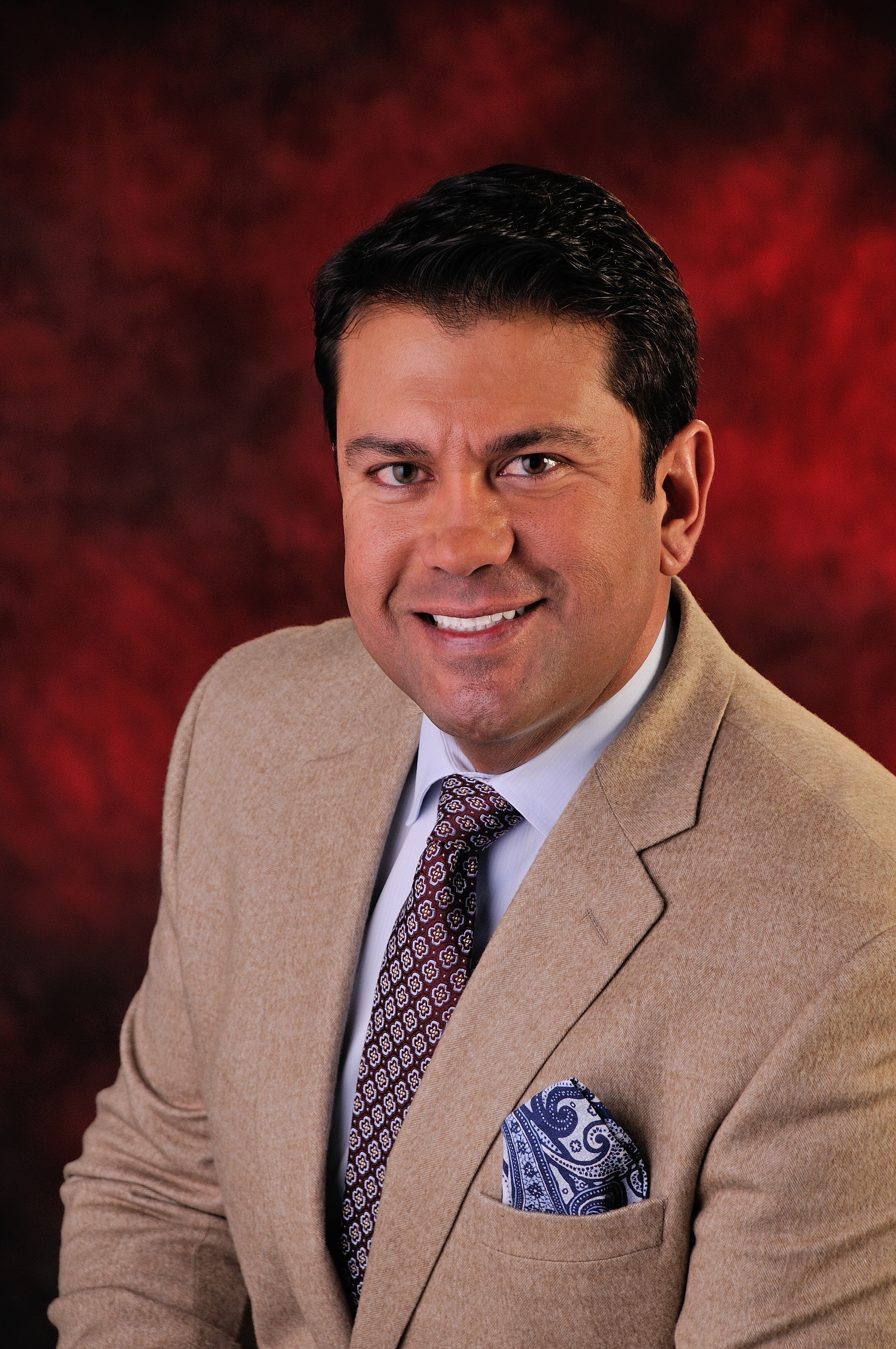

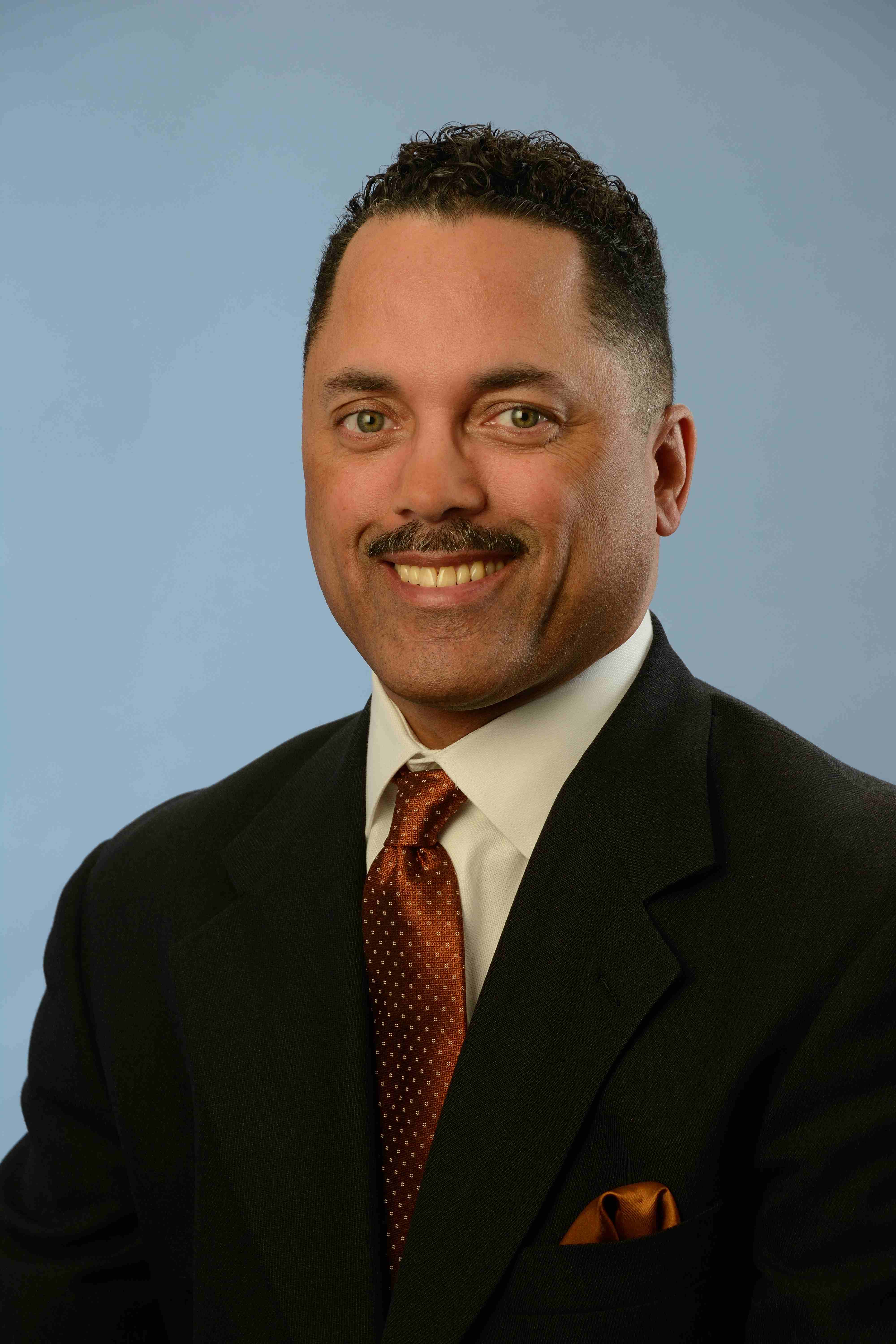



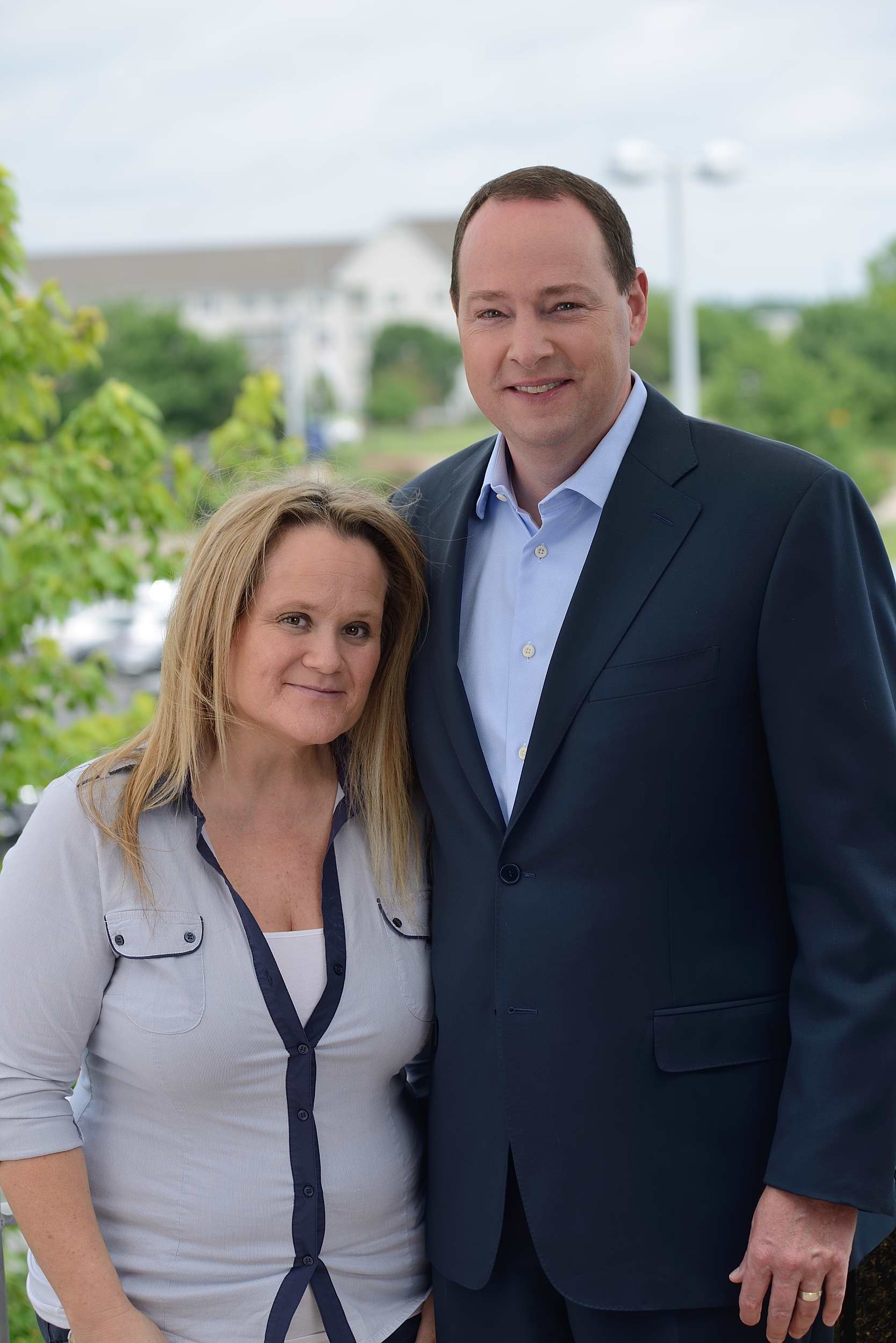


Why “Economical” Should Mean More Than “Cheap”
In commercial photography and video production, “economical” means cost-effective, reliable, and strategically useful.
A low-cost headshot session can become expensive if it creates problems such as:
- inconsistent lighting across team members
- poor color or skin tone rendering
- awkward posing that undermines confidence
- mismatched backgrounds across departments
- limited file usability for web, print, and social
- slow turnaround
- reshoots due to avoidable technical issues
When organizations plan headshots correctly, they reduce hidden costs and gain a visual library that can be reused for months or years.
A professional headshot program becomes even more economical when it is designed to support multiple business goals at once, including:
- branding consistency
- recruiting and employer branding
- executive visibility
- sales team credibility
- public relations readiness
- website refreshes
- internal communications
- event and conference marketing
The key is to build a headshot process that supports both image quality and operational efficiency.
What Business Decision Makers Actually Need from a Headshot Partner
Marketing directors, HR teams, operations leaders, and agency partners typically need more than a photographer with a camera. They need a production partner who understands deadlines, approvals, brand standards, and organizational logistics.
For headshot projects to run smoothly, businesses often require:
1) Consistency Across People and Time
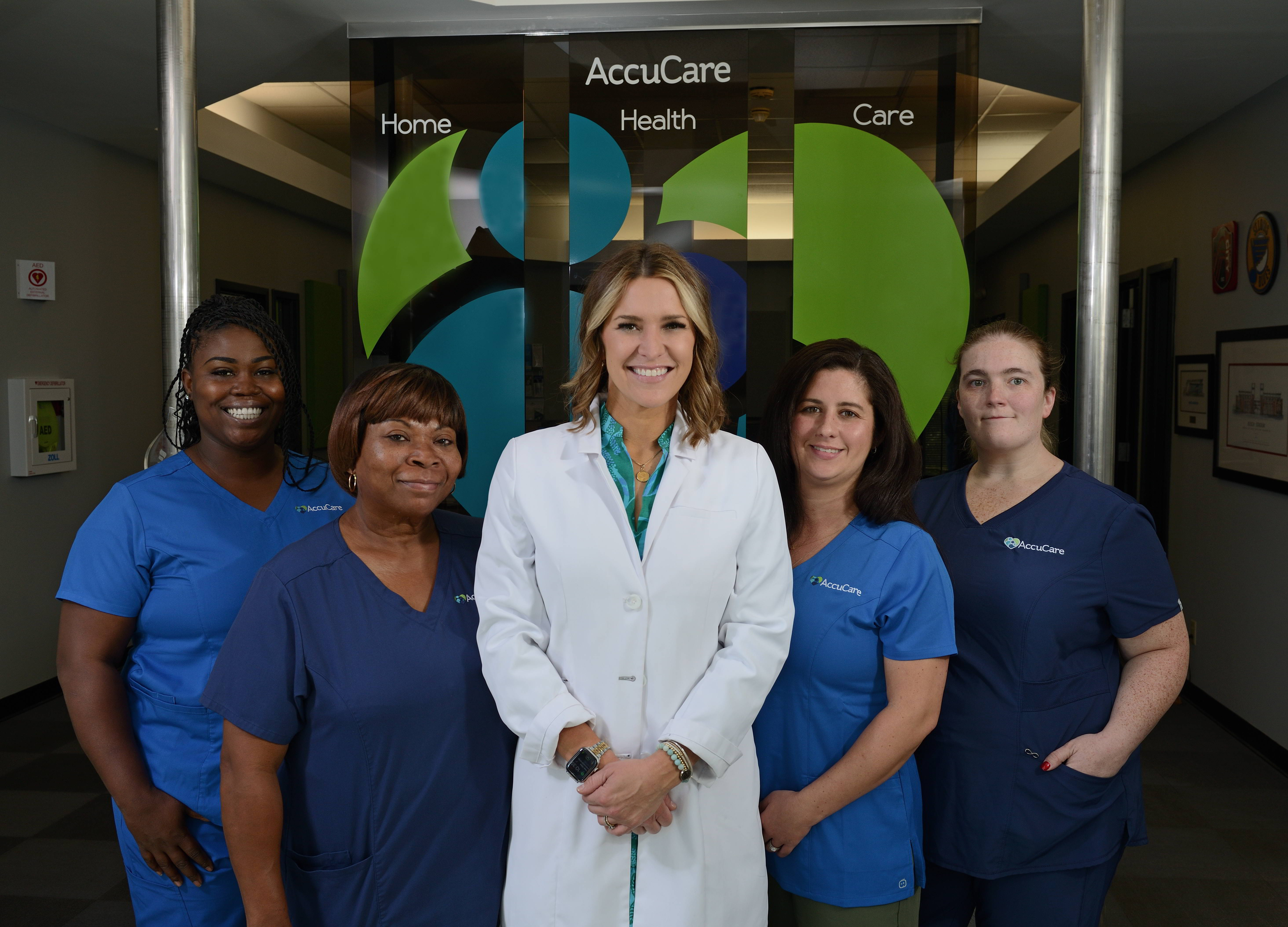
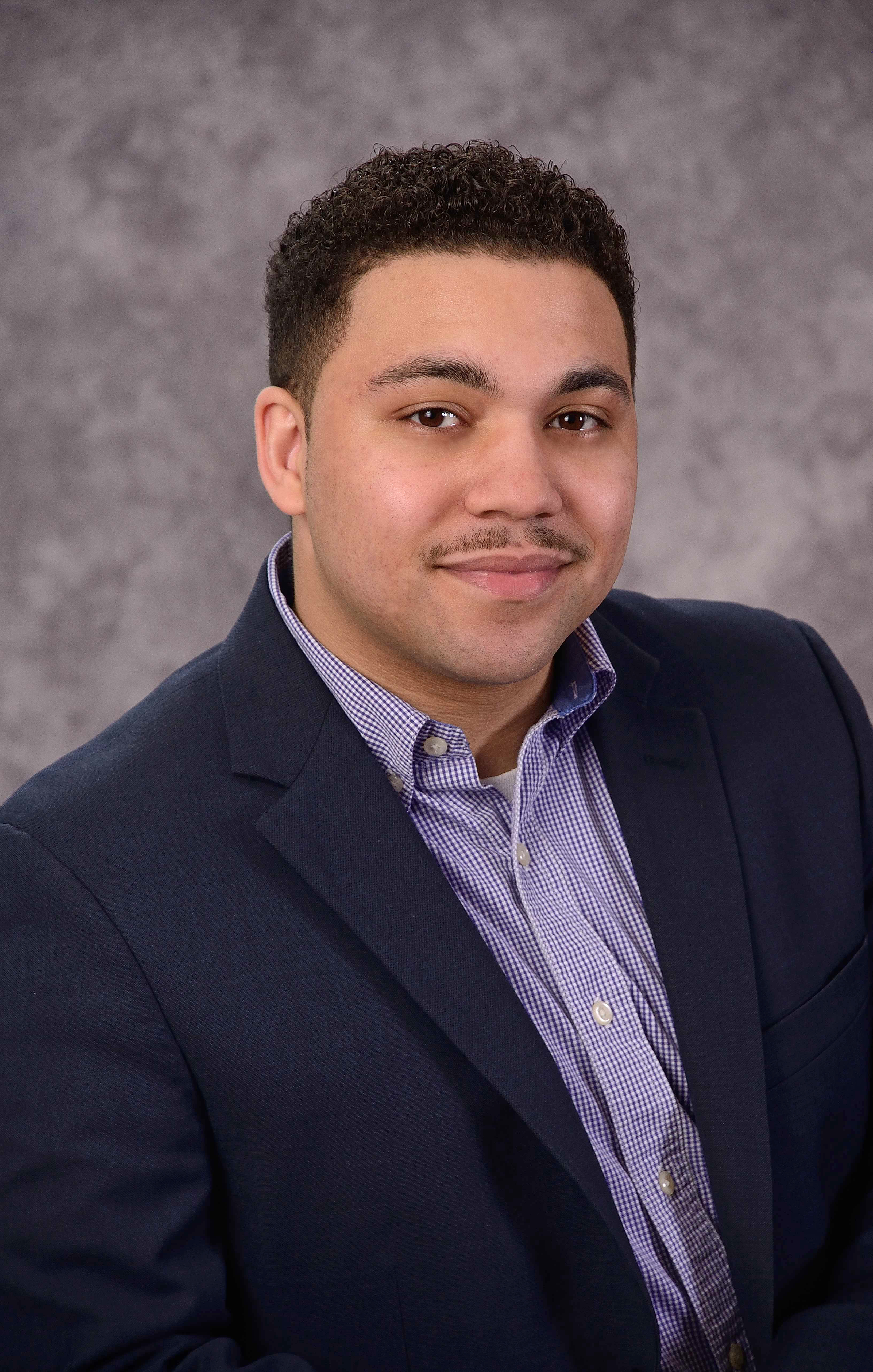
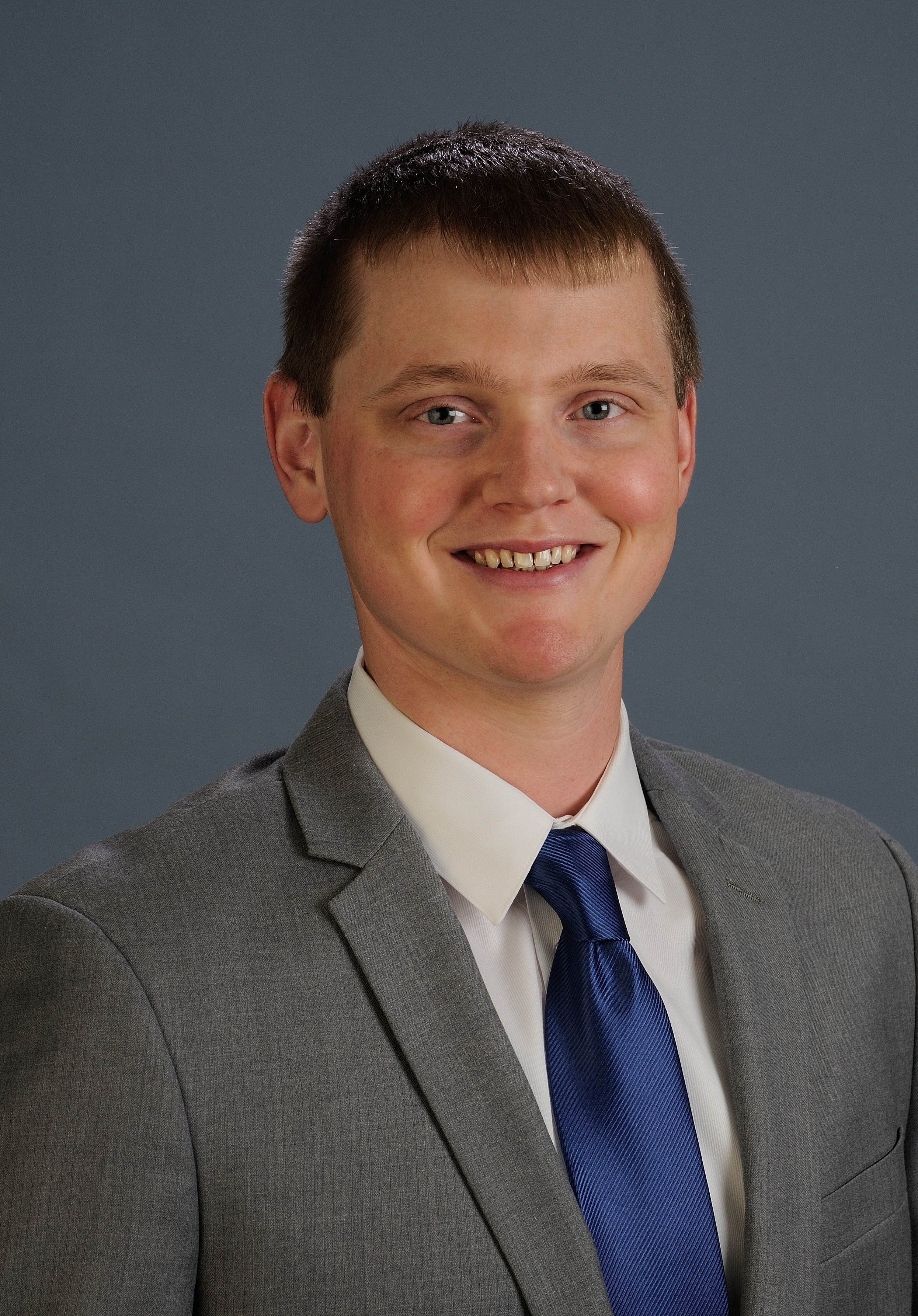
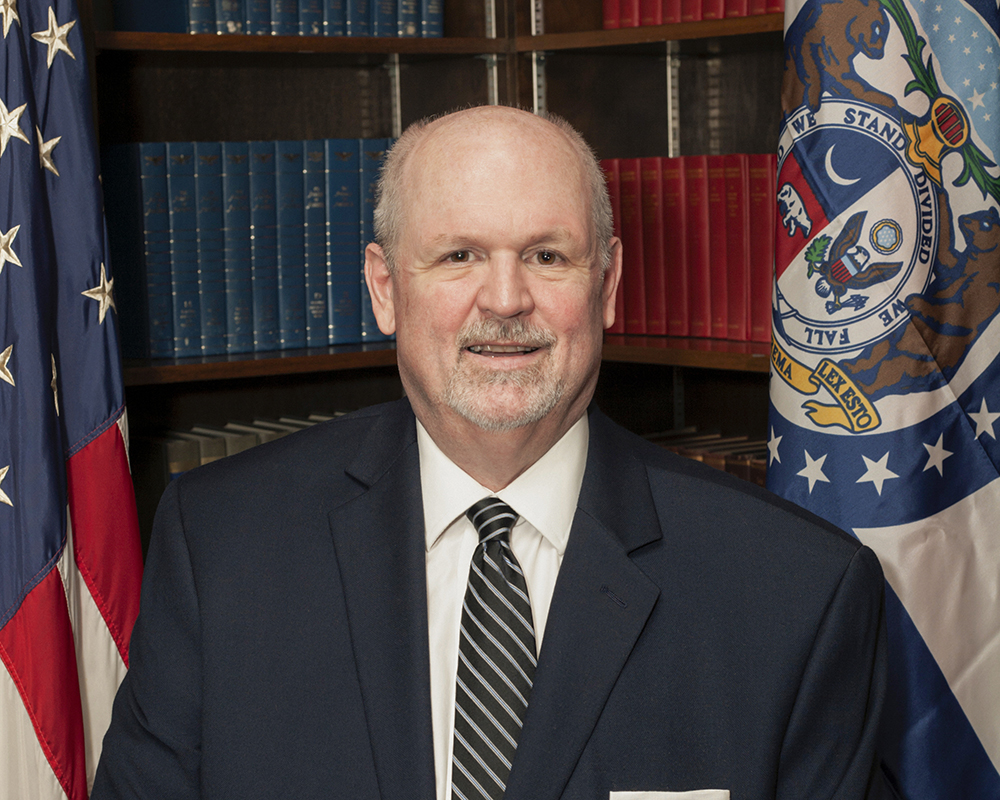
Professional organizations need headshots that look cohesive even when they are photographed on different days or at different locations. Consistency in lighting, lens choice, framing, and color treatment is essential for a polished brand presence.
2) Efficient Scheduling and Throughput
Executives and staff are busy. A well-run session keeps the line moving, gives each subject enough time to look their best, and avoids creating a bottleneck for the workday.
3) Confidence-Building Direction
Most people are not comfortable in front of a camera. Experienced direction matters. Small adjustments in posture, chin angle, shoulder position, expression, and eye line can make a major difference in how competent and approachable someone appears.
4) Flexible Deliverables
Organizations need images for different uses and formats—vertical, square, and horizontal crops; high-resolution files for print; web-optimized files for websites and social; and sometimes transparent-background or design-friendly versions.






5) Brand Alignment
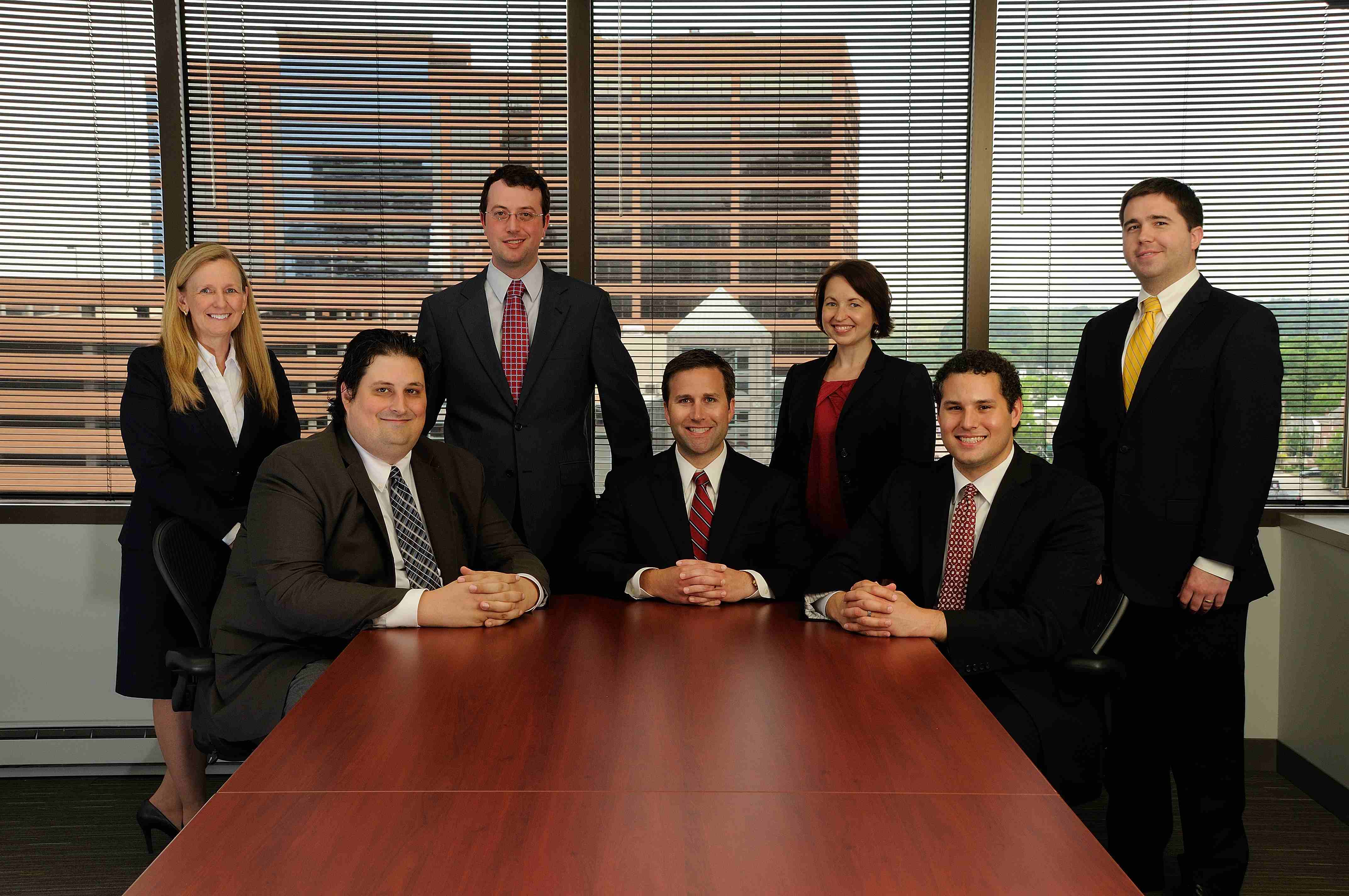
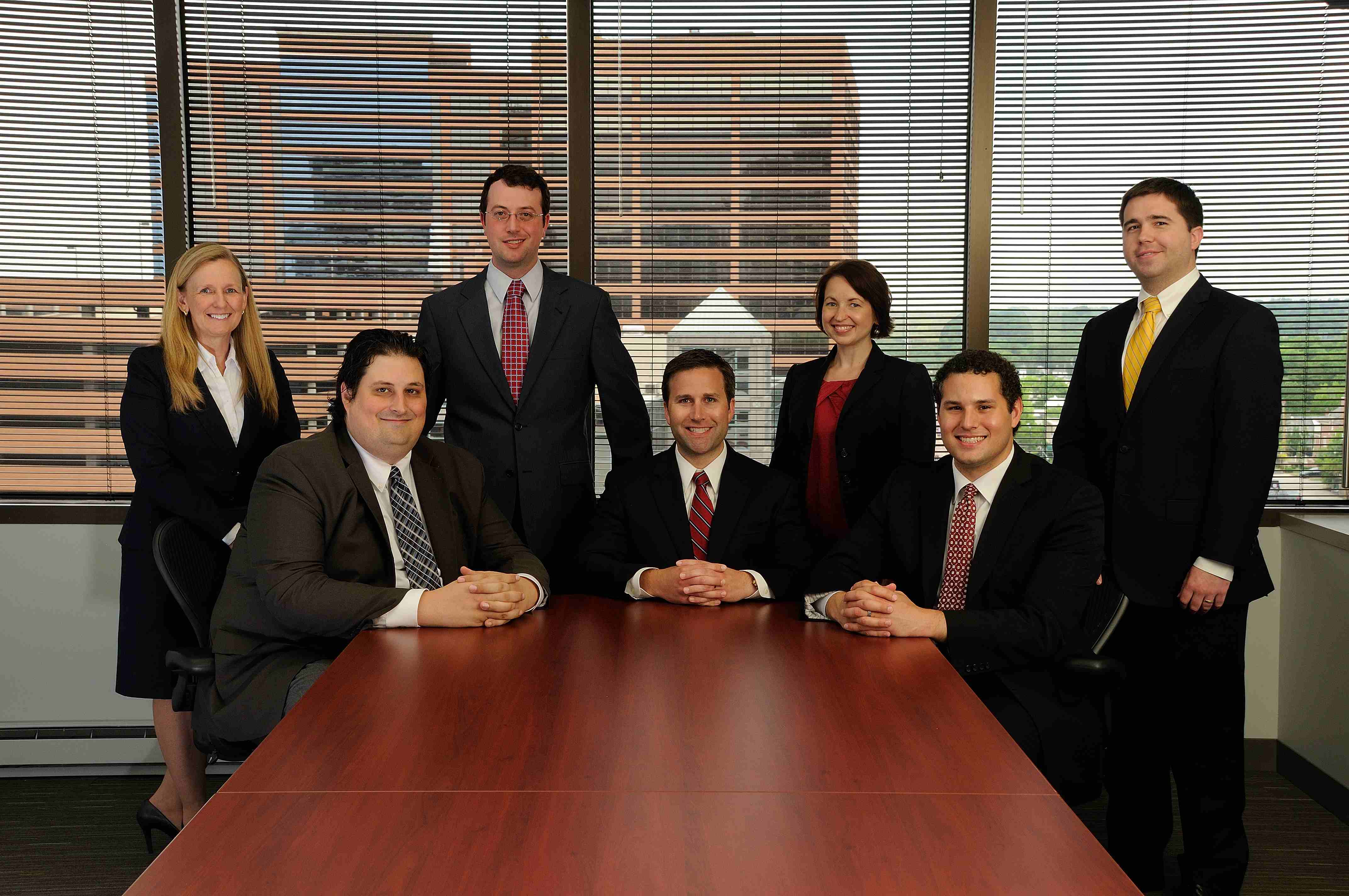
A law firm, healthcare organization, manufacturing company, startup, university, and nonprofit should not all look the same. Backgrounds, lighting style, expression range, wardrobe guidance, and retouching should support the brand’s actual tone and audience.
When these priorities are addressed upfront, headshot production becomes far more economical because the results are useful immediately and remain useful longer.
The Strategic Role of Headshots in Modern Marketing
Headshots are no longer limited to the “About Us” page.
Today, they are part of a broader visual communication system. Organizations that treat headshots strategically can strengthen trust and improve brand cohesion across platforms.
Executive Branding
Leadership visibility matters. Consistent executive portraits support keynote announcements, trade media outreach, investor communications, and thought-leadership publishing.
Recruiting and Employer Branding
Candidates often evaluate a company’s culture visually. Professional headshots of team members can make career pages feel more credible and human.
Sales Enablement
Prospects are more likely to engage when sales teams present themselves professionally in email signatures, LinkedIn, proposal decks, and CRM-integrated outreach tools.
PR and Media Readiness
When a media request arrives, organizations often need a headshot immediately. A professionally maintained image library prevents last-minute scrambling and low-quality substitutions.
Internal Communications
Headshots improve employee directories, intranet profiles, training materials, and internal announcements—especially in larger organizations where teams may not work face to face.
In other words, headshots are an operational asset, not just a creative deliverable.
How to Keep Headshots Professional and Economical
Organizations can improve results and control costs by planning headshots as a production system rather than a one-off photo appointment.
Here are practical ways to do that:





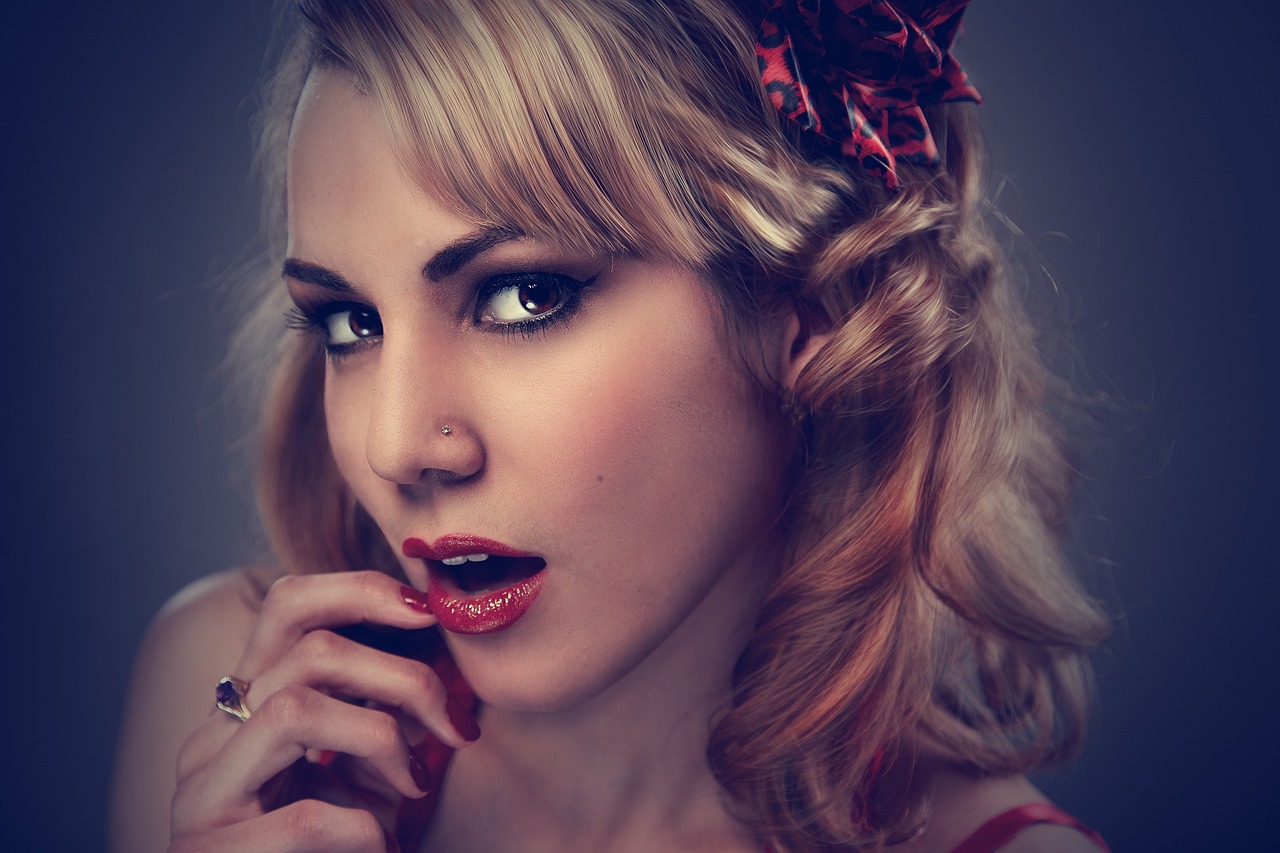
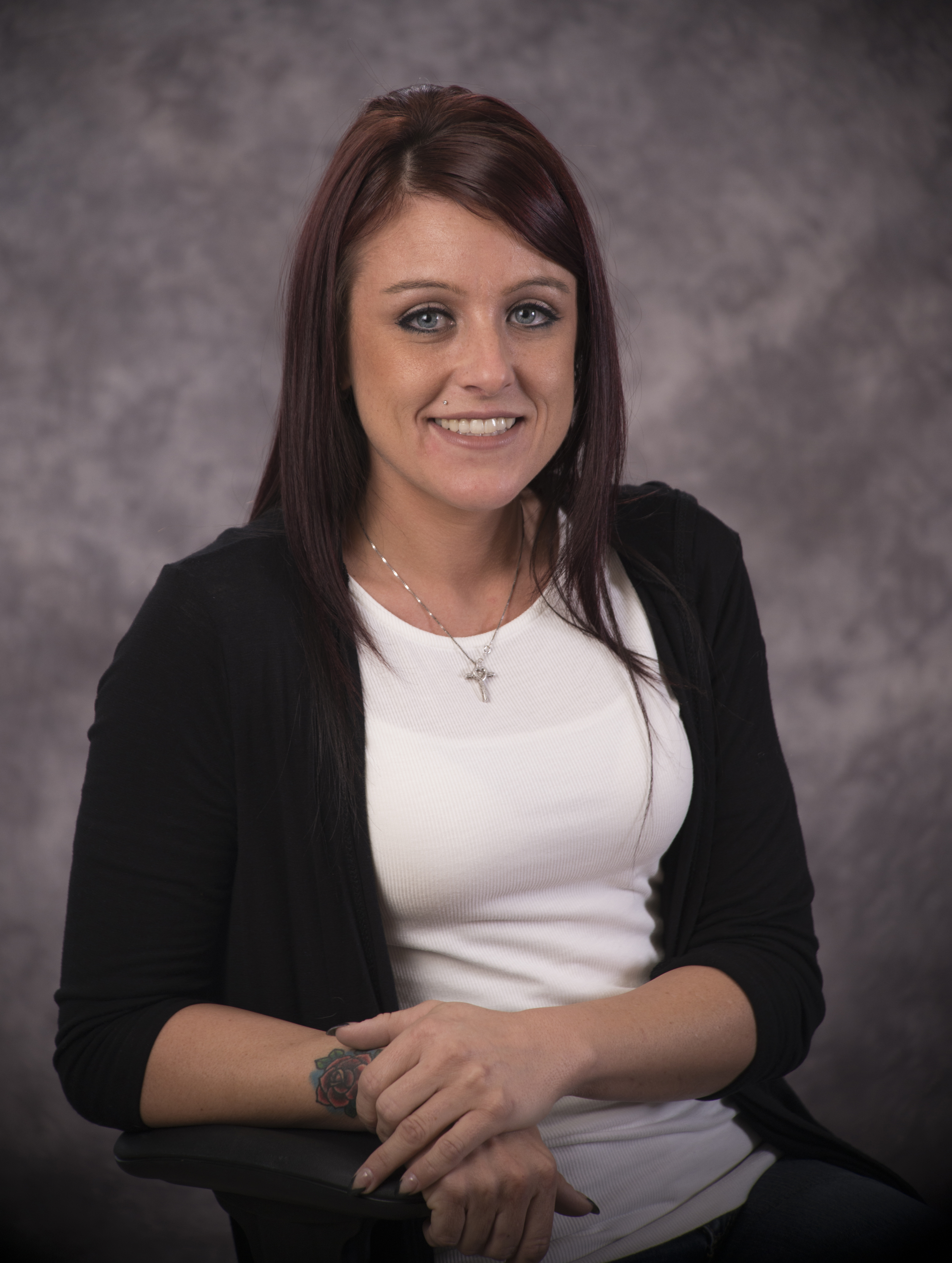

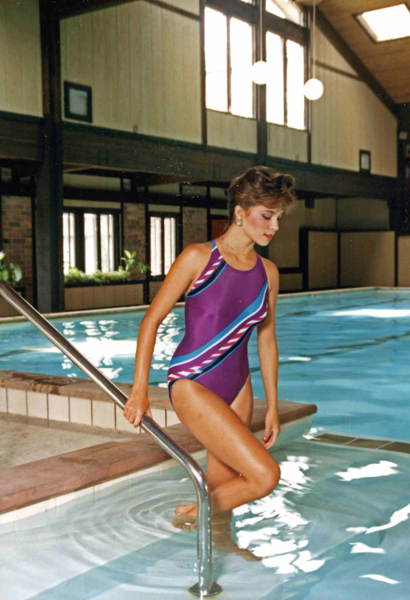

1) Define the Purpose Before the Shoot
Not all headshots should look the same. Start by identifying where the images will be used:
- LinkedIn and social profiles
- website team pages
- annual reports
- speaking engagements
- press kits
- recruiting pages
- proposals and presentations
This helps determine framing, styling, background, and retouching requirements before production begins.
2) Standardize Brand Visuals
Create a simple headshot standard for your organization:
- background color or style
- light and bright vs dramatic and contrasty
- wardrobe guidance
- expression style (formal, approachable, energetic, etc.)
- crop preferences
- retouching level
A standard reduces indecision, speeds approvals, and keeps new hires consistent with existing team imagery.
3) Choose the Right Production Setup
For some organizations, a studio session is ideal. For others, on-location production is more efficient. A professional production team can recommend the best approach based on:
- number of people
- available space
- timeline
- brand look
- privacy needs
- whether video interviews or other content should be captured the same day
This is where experience creates real savings. The right setup avoids delays, compromises, and reshoots.


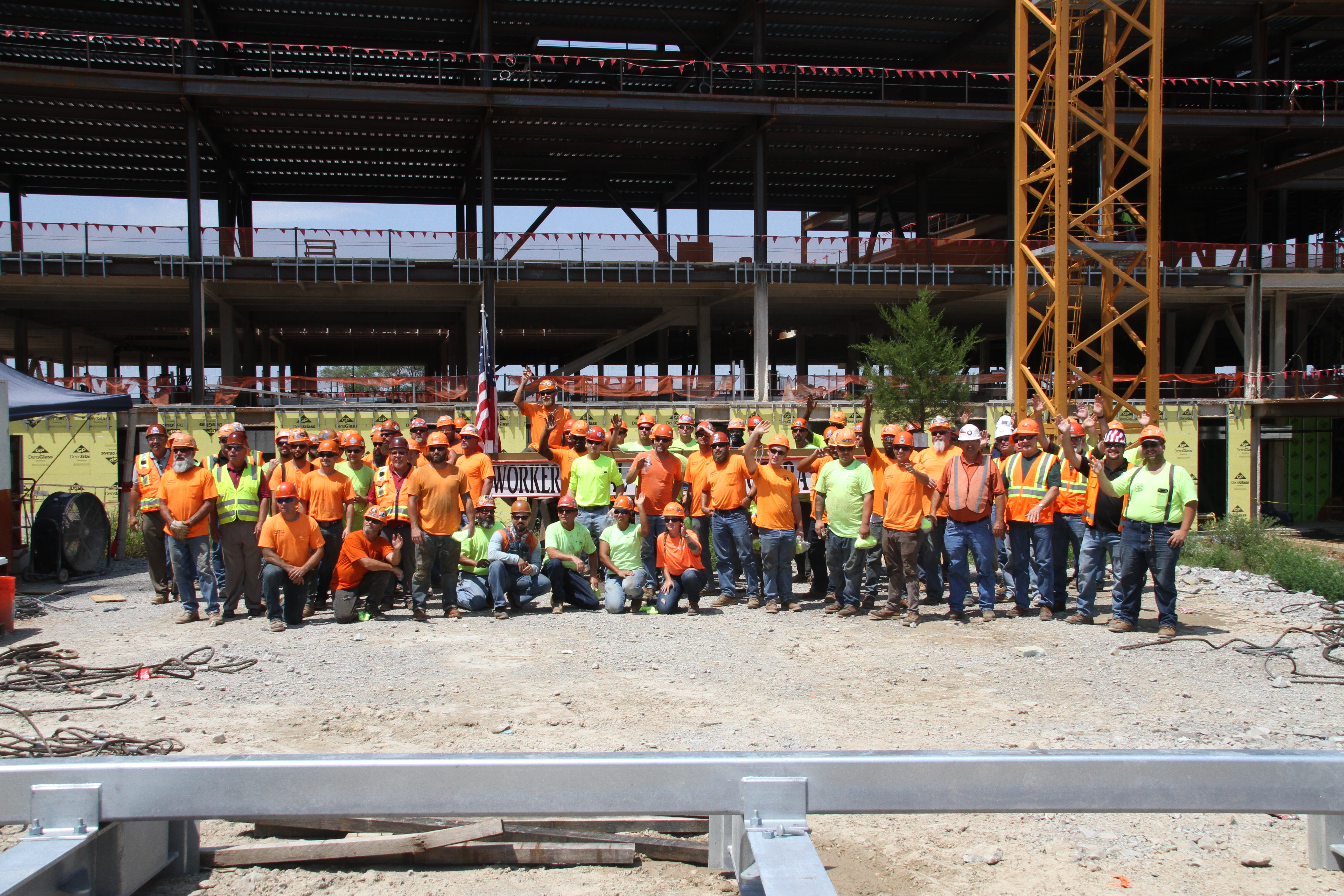
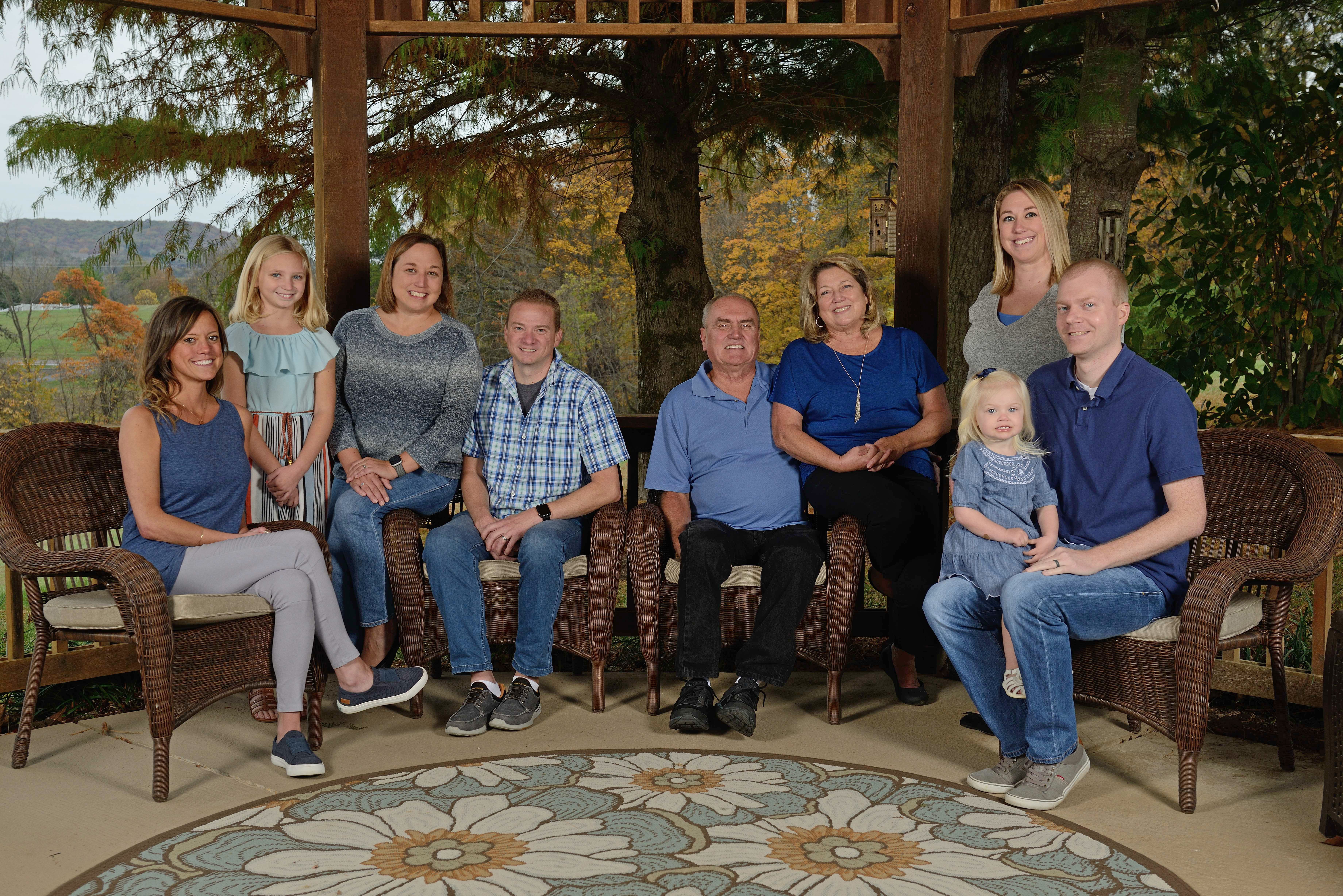
4) Bundle Headshots with Additional Content
One of the best ways to improve value is to combine headshots with other visual needs during the same production window.
For example, the same day can often include:
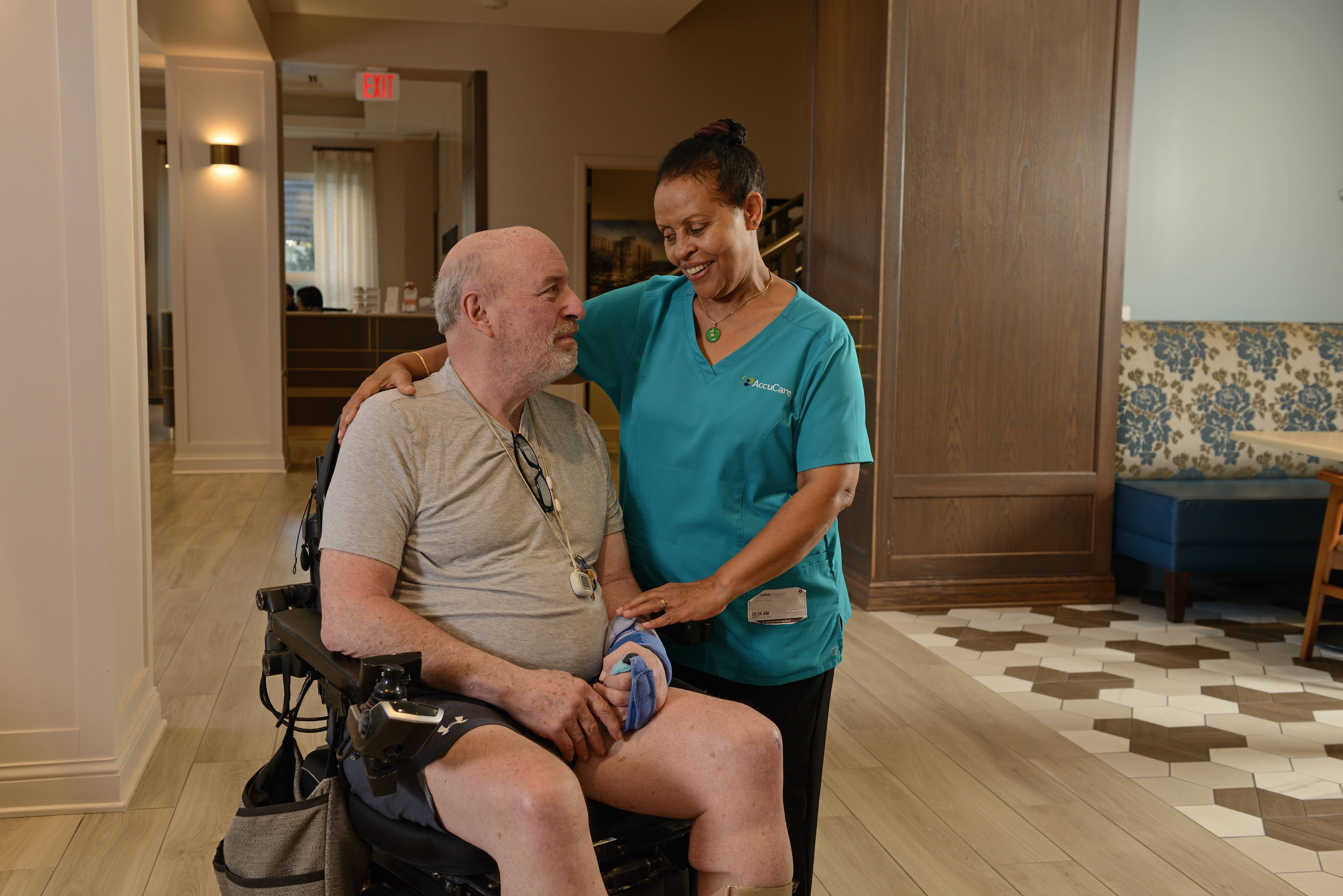
- environmental portraits
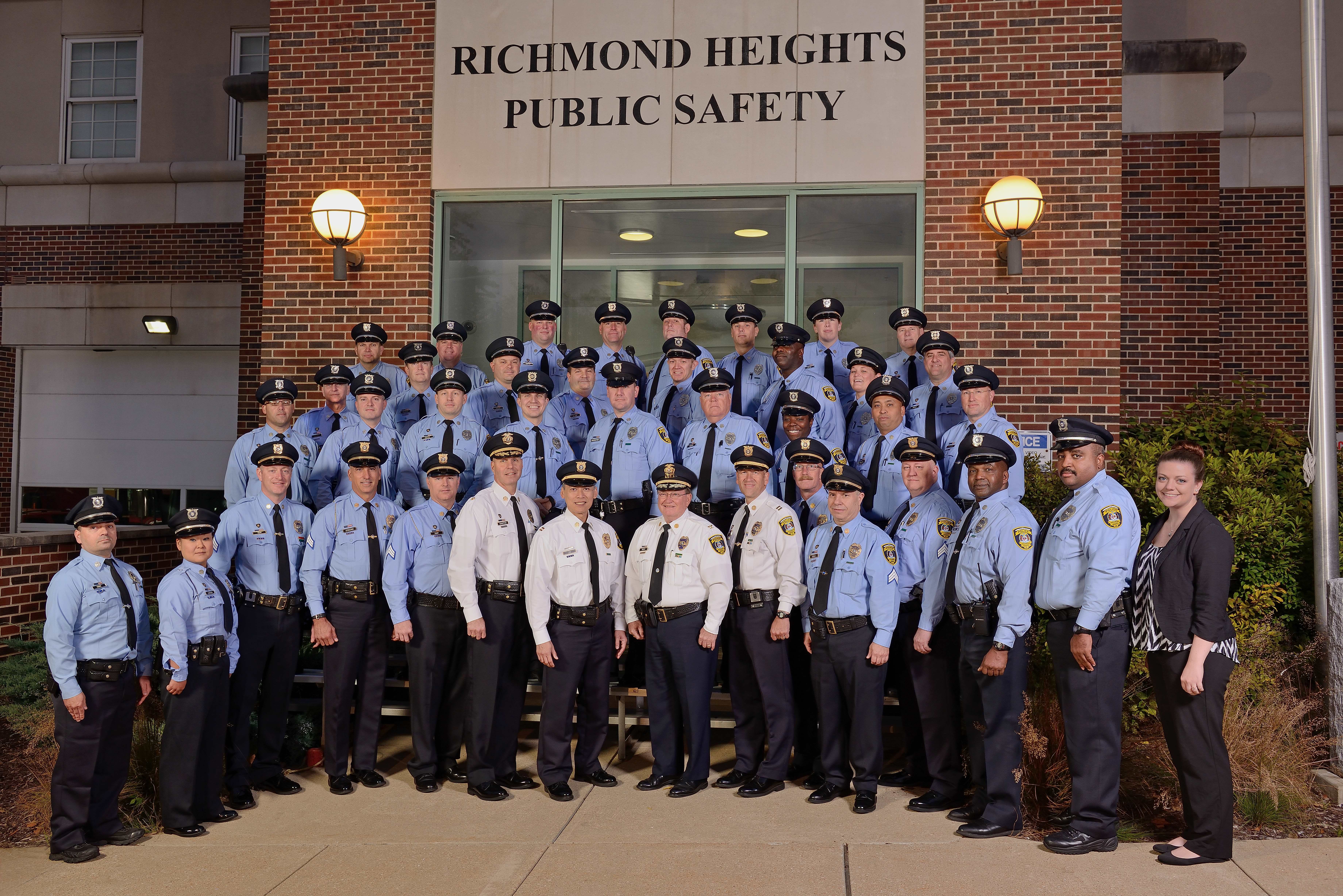
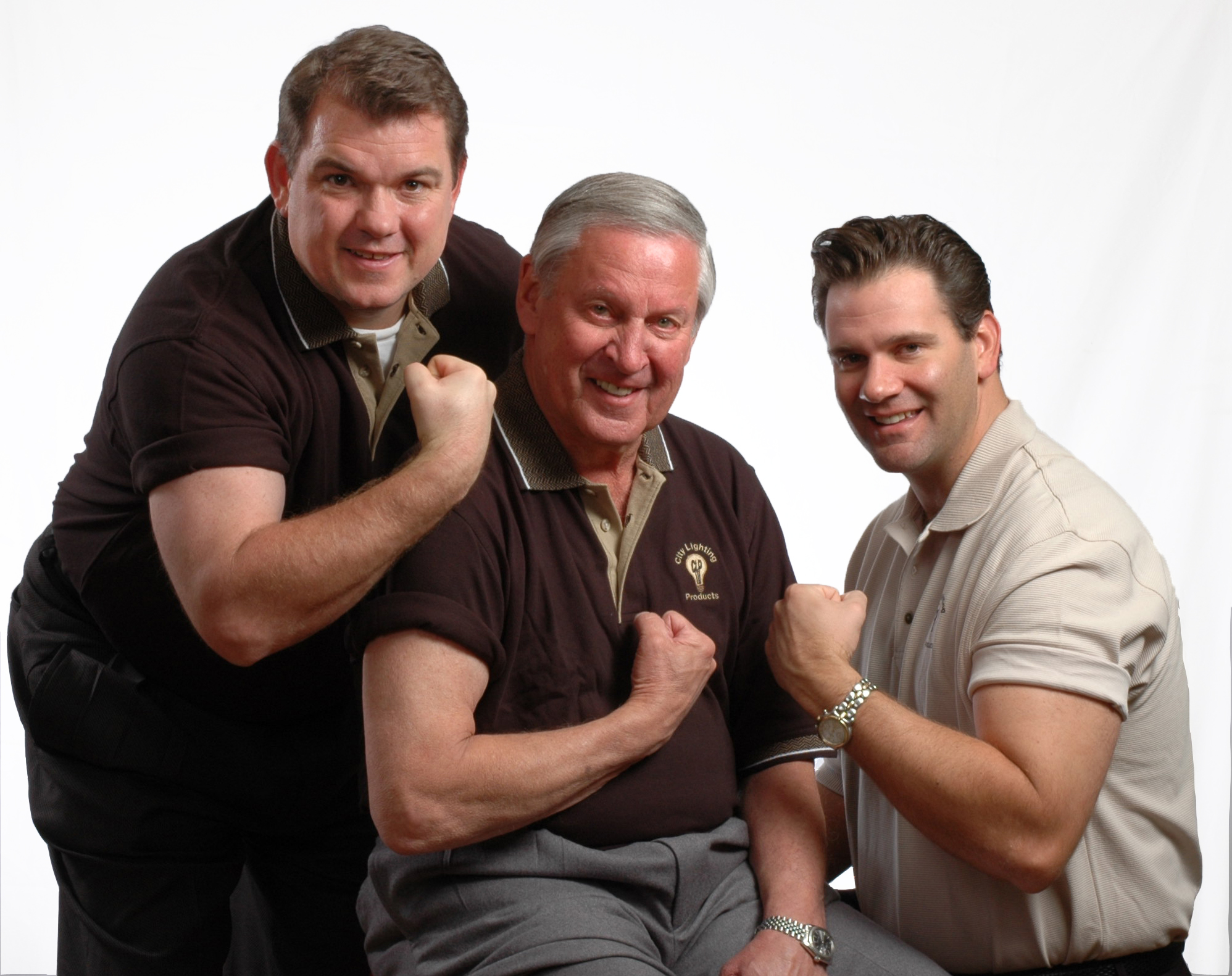
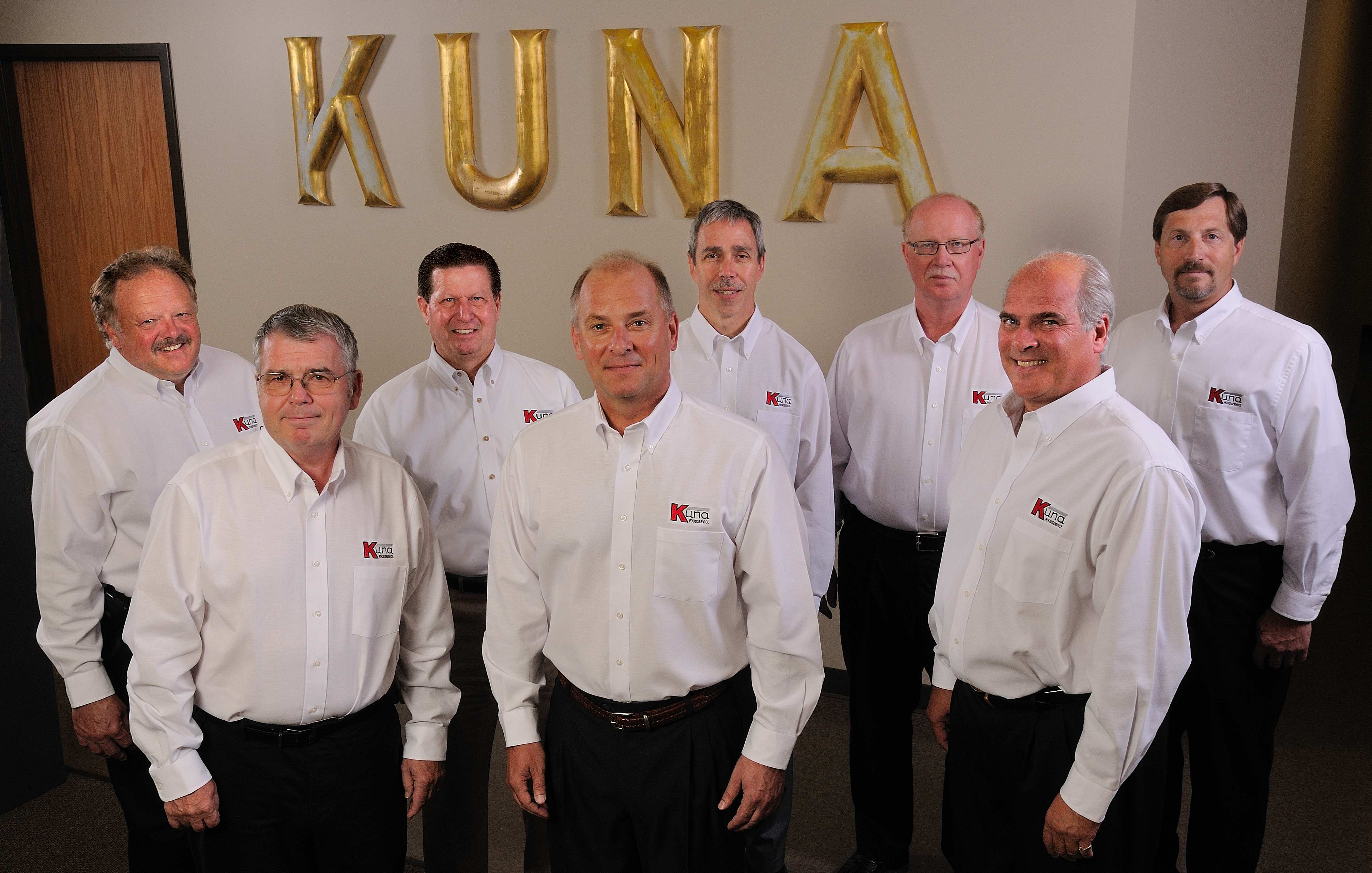
- team photos
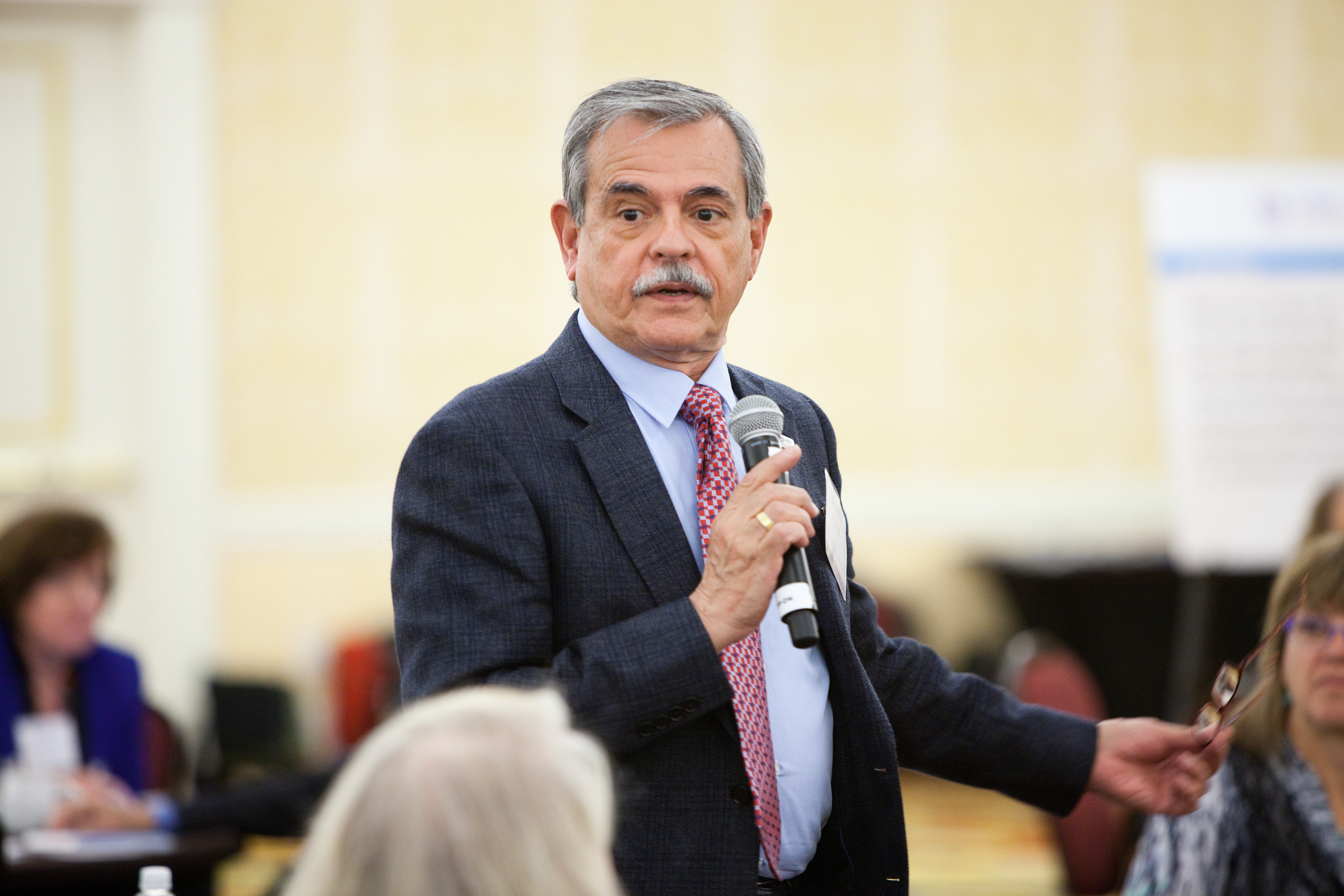
- workplace candids
- executive interviews
- testimonial video clips
- b-roll footage of operations or office activity
When planned correctly, this approach reduces setup redundancy and creates a stronger content library from a single production day.
5) Prepare Your Team
Simple preparation improves outcomes and speeds production:
- send wardrobe guidance in advance
- schedule in organized time blocks
- communicate image usage goals
- designate an internal coordinator
- reserve a quiet, controlled space (for on-location sessions)
- align on selection and approval workflow
Prepared subjects photograph better, and prepared organizations move faster.
What Separates Professional Headshots from Average Headshots
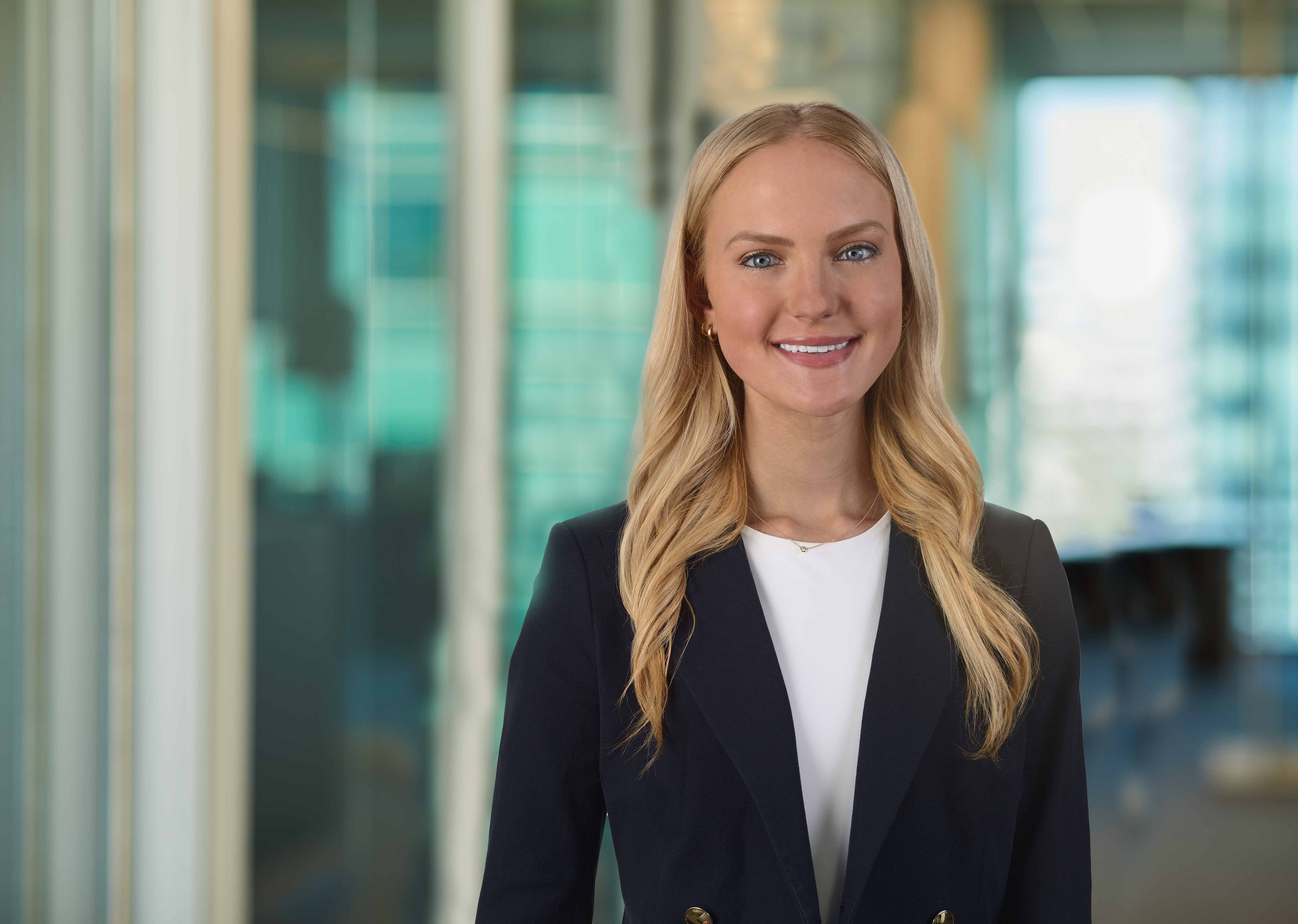
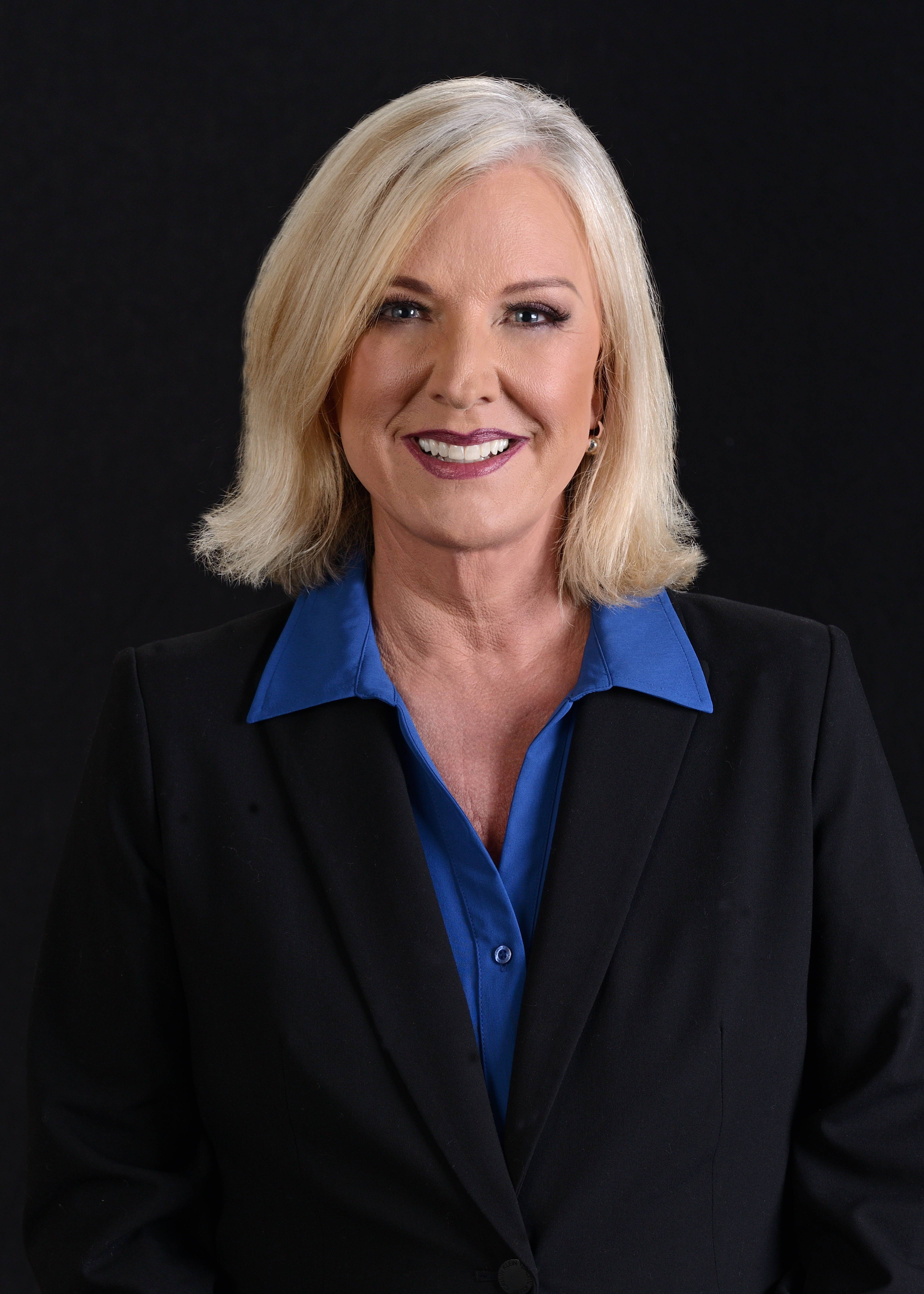
Business audiences respond to quality even if they cannot describe every technical reason why. The difference is usually a combination of craftsmanship and subject direction.
Professional headshots typically stand out because of:
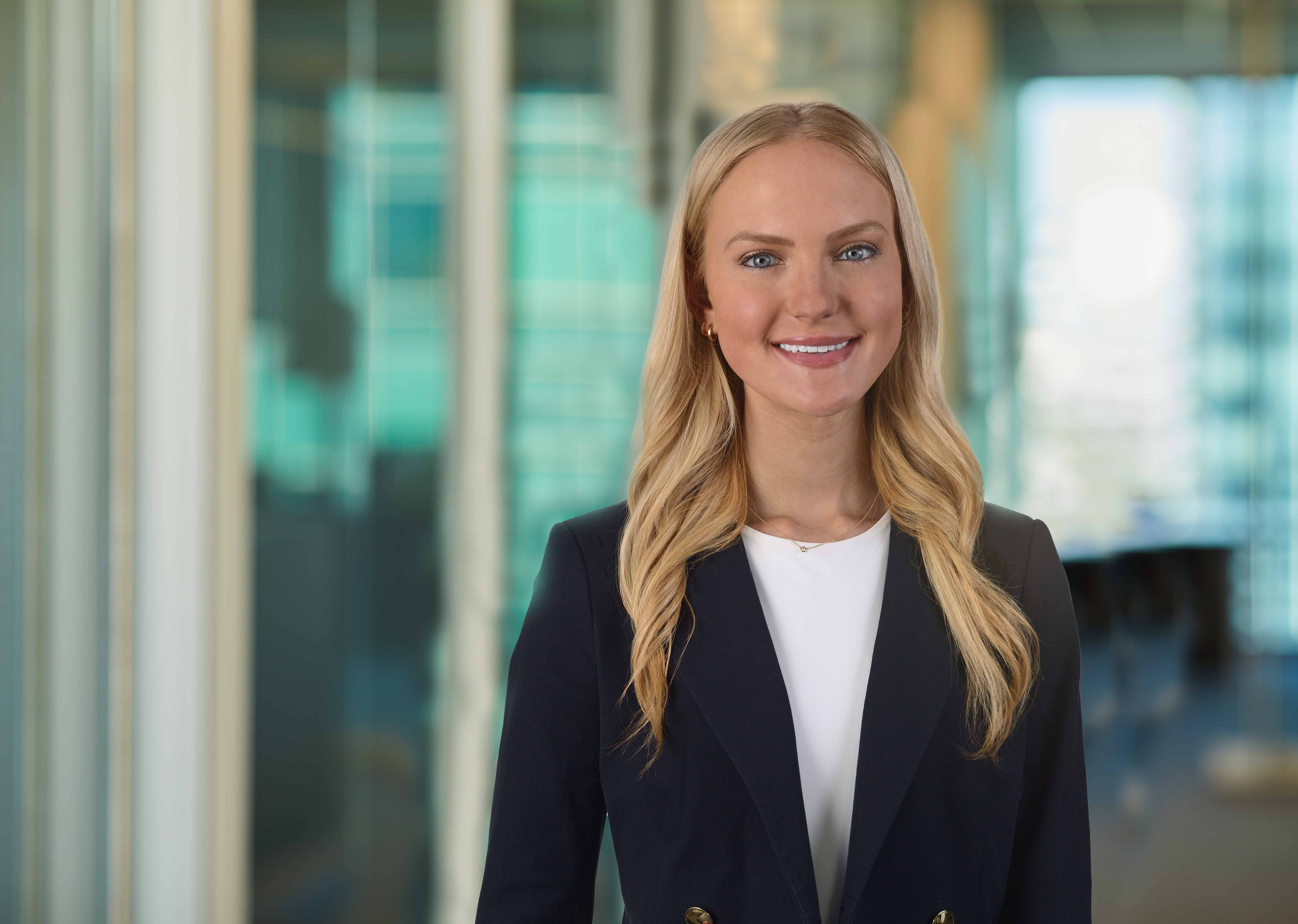
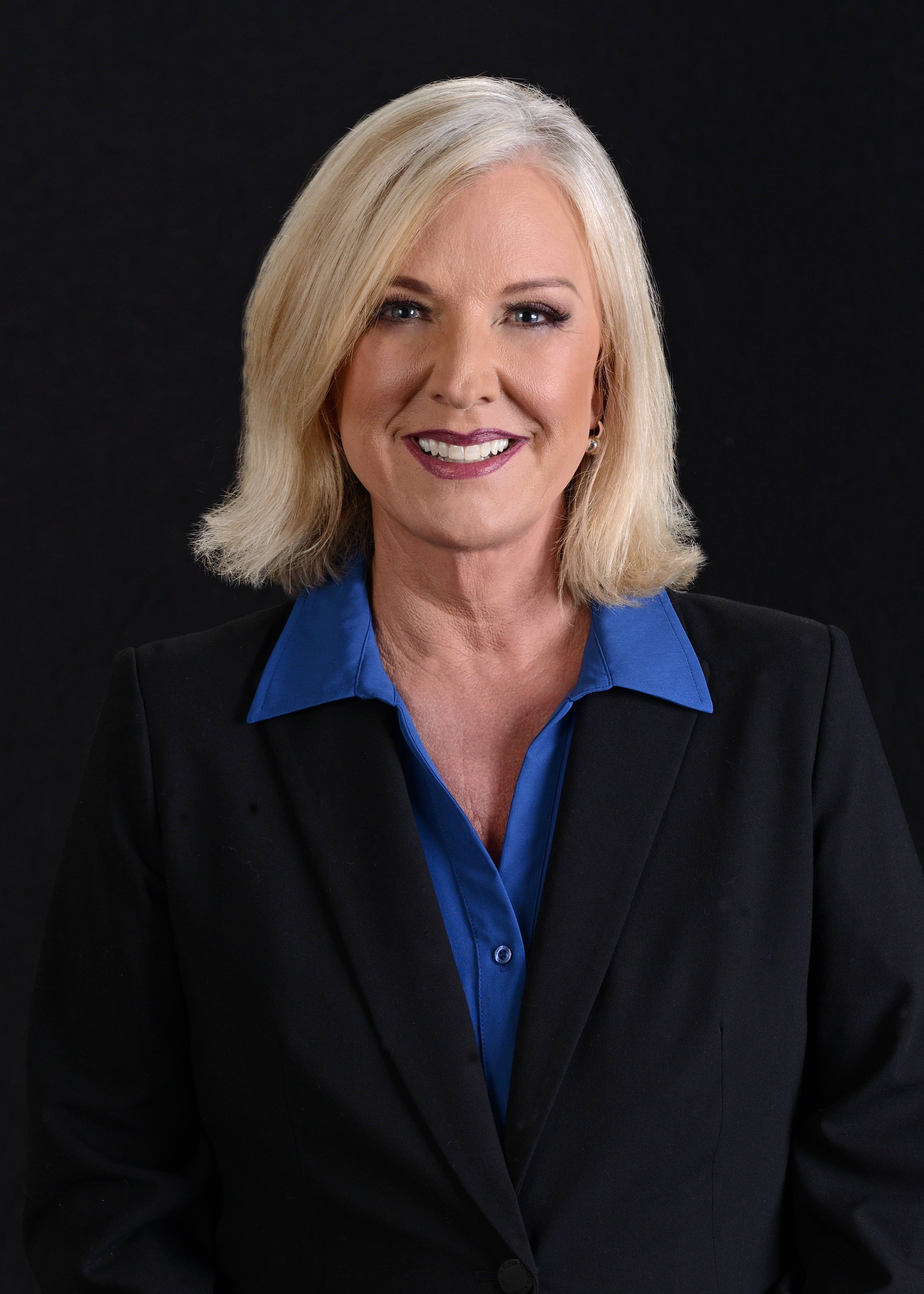
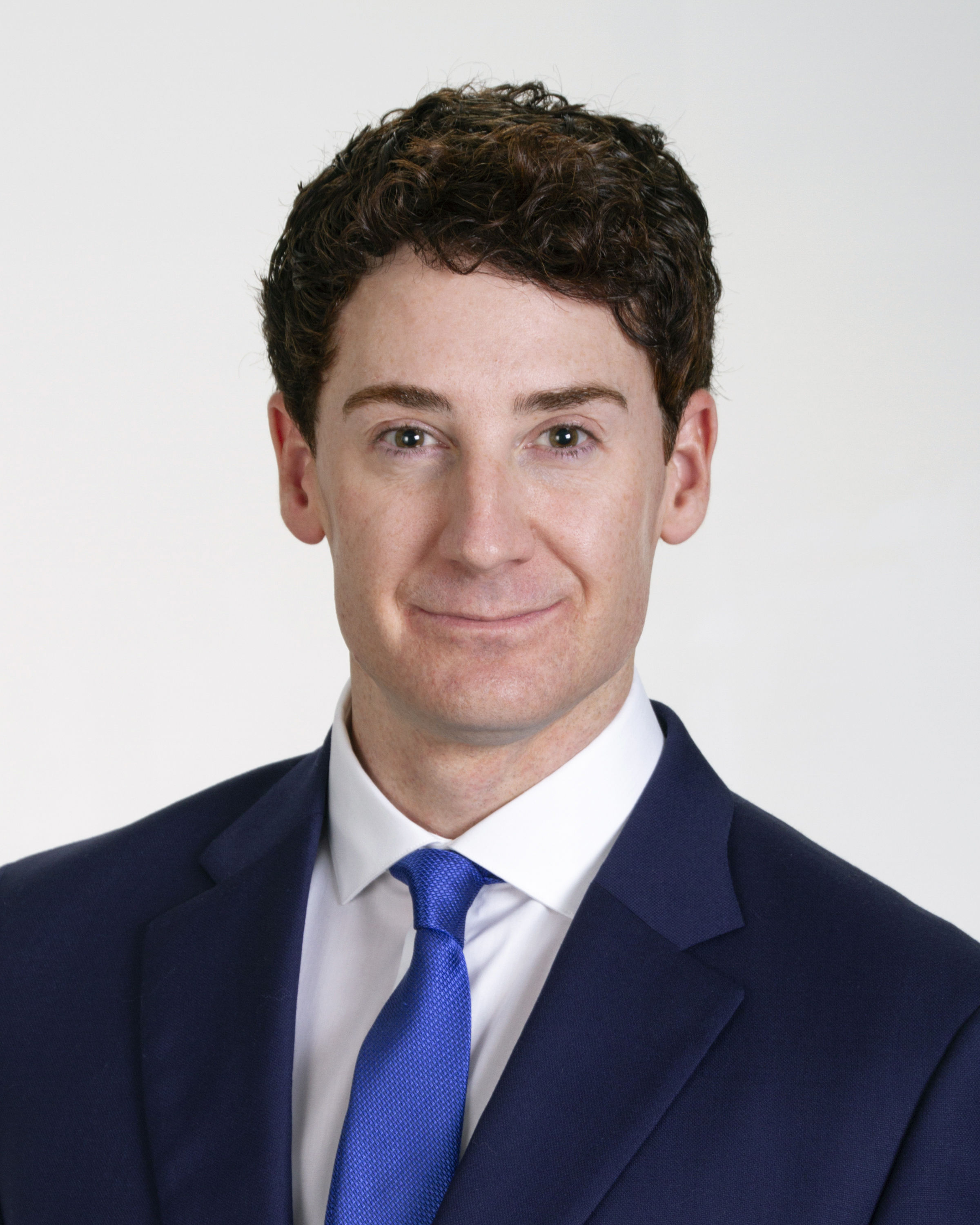
- intentional lighting that flatters the subject and supports the brand
- lens and camera choices that avoid distortion
- precise focus and sharpness where it matters
- natural skin tones and controlled color balance
- confident posing and expression coaching
- polished retouching that looks professional, not artificial
- consistent output across a full team
A strong headshot communicates competence, approachability, and trust. An average one can unintentionally communicate the opposite.



Headshots and Video: Why Decision Makers Should Plan Them Together
Today’s brands need motion and still imagery working together.
If your organization is already coordinating headshots, it is often the right time to consider related video needs—especially executive messaging, recruiting content, customer testimonials, or interview-based marketing pieces.
Why combine them?
- shared scheduling reduces disruption
- shared setup lowers production redundancy
- unified lighting and visual style strengthen branding
- teams are already camera-ready
- marketing gets more usable assets from one coordinated project
For companies trying to maximize budget impact, combining still and video production can be one of the smartest moves they make.
The ROI of a Well-Run Headshot Program
A professional headshot program pays off in ways that are both visible and operational.
Visible ROI
- stronger first impressions
- better brand consistency
- improved professionalism across digital channels
- more polished marketing and PR materials
Operational ROI
- fewer reshoots
- faster rollout for new hires
- easier website and directory updates
- ready-to-use media assets when opportunities arise
- reduced internal time spent coordinating ad hoc photo requests
When organizations stop treating headshots as an afterthought and start treating them as brand infrastructure, the value compounds.
Choosing a St. Louis Headshot Partner for Business Needs
If you are evaluating providers for commercial headshots in St. Louis, look for a team that understands more than portrait technique. Look for a production partner that understands business use cases, scheduling realities, and multi-channel marketing needs.
Ask practical questions such as:
- Can you maintain consistency over time for new hires and leadership updates?
- Do you offer studio and on-location setups?
- Can you support both photography and video on the same production day?
- What file formats and deliverables do you provide?
- How do you handle lighting in challenging spaces?
- Can you scale for small teams or large organizations?
- Do you support agency workflows and branded production requirements?
These questions help ensure you are not just buying a session—you are investing in a repeatable, professional visual process.
Final Thoughts: Economical and Professional Is the Right Standard
The best business headshots are not merely affordable and not merely attractive. They are strategically produced, professionally executed, and built for real-world use across marketing, sales, recruiting, and communications.
That is what makes them economical.
When your team looks consistent, confident, and brand-aligned, your organization gains a stronger visual presence and a more efficient content workflow—without the recurring cost of fixing avoidable problems later.





Why Businesses Choose St Louis Headshots for More Than Just Headshots
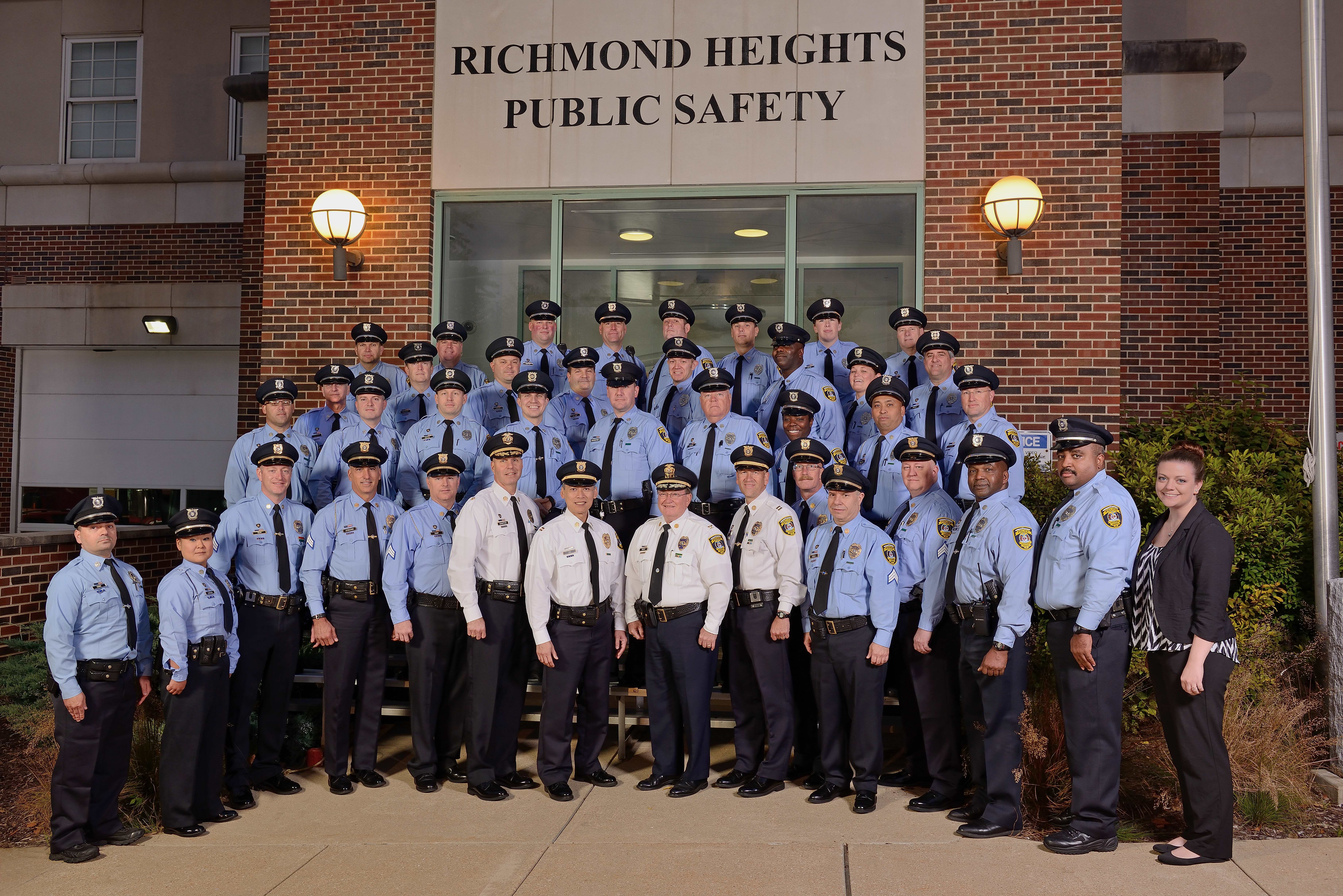
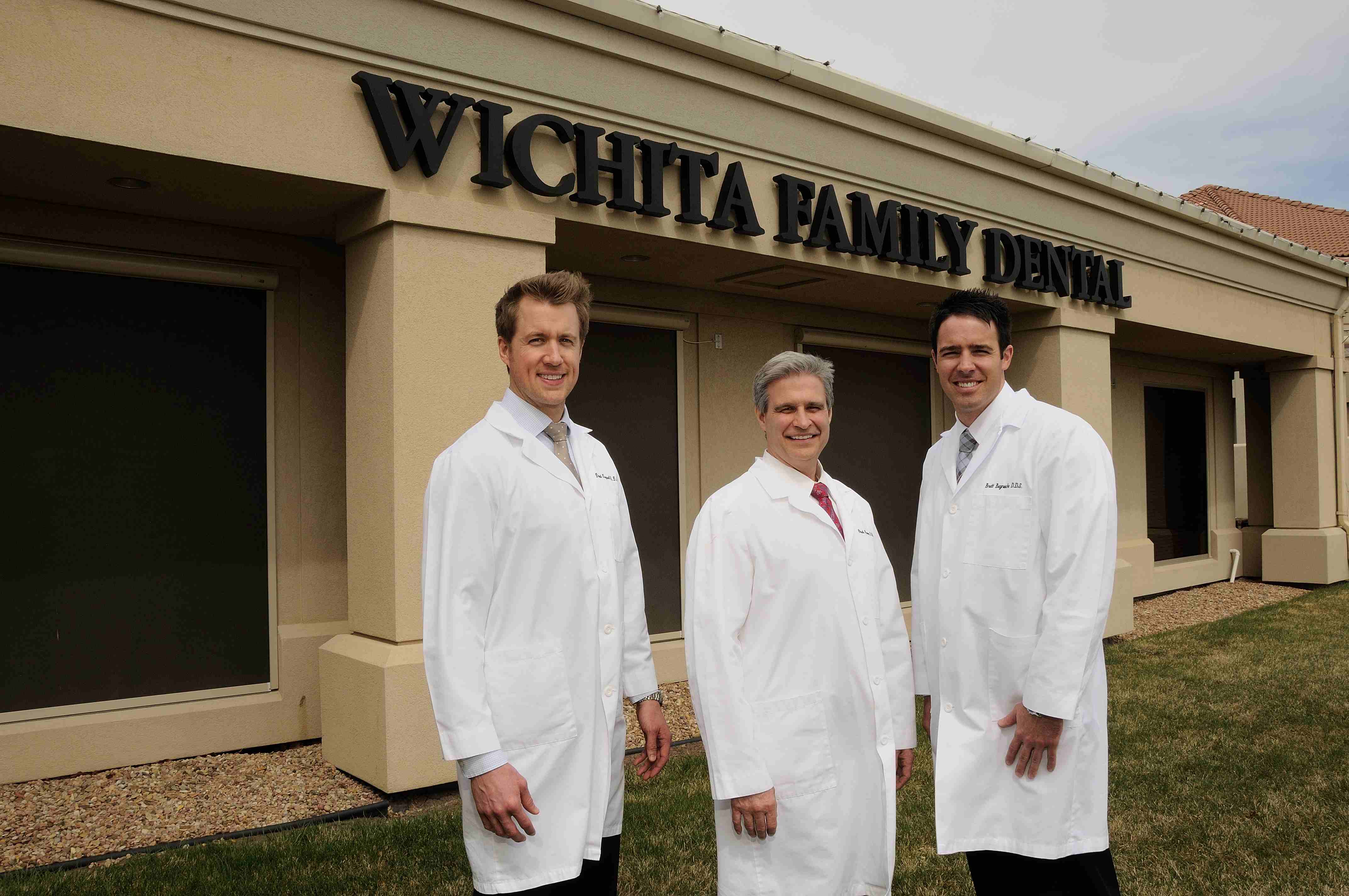
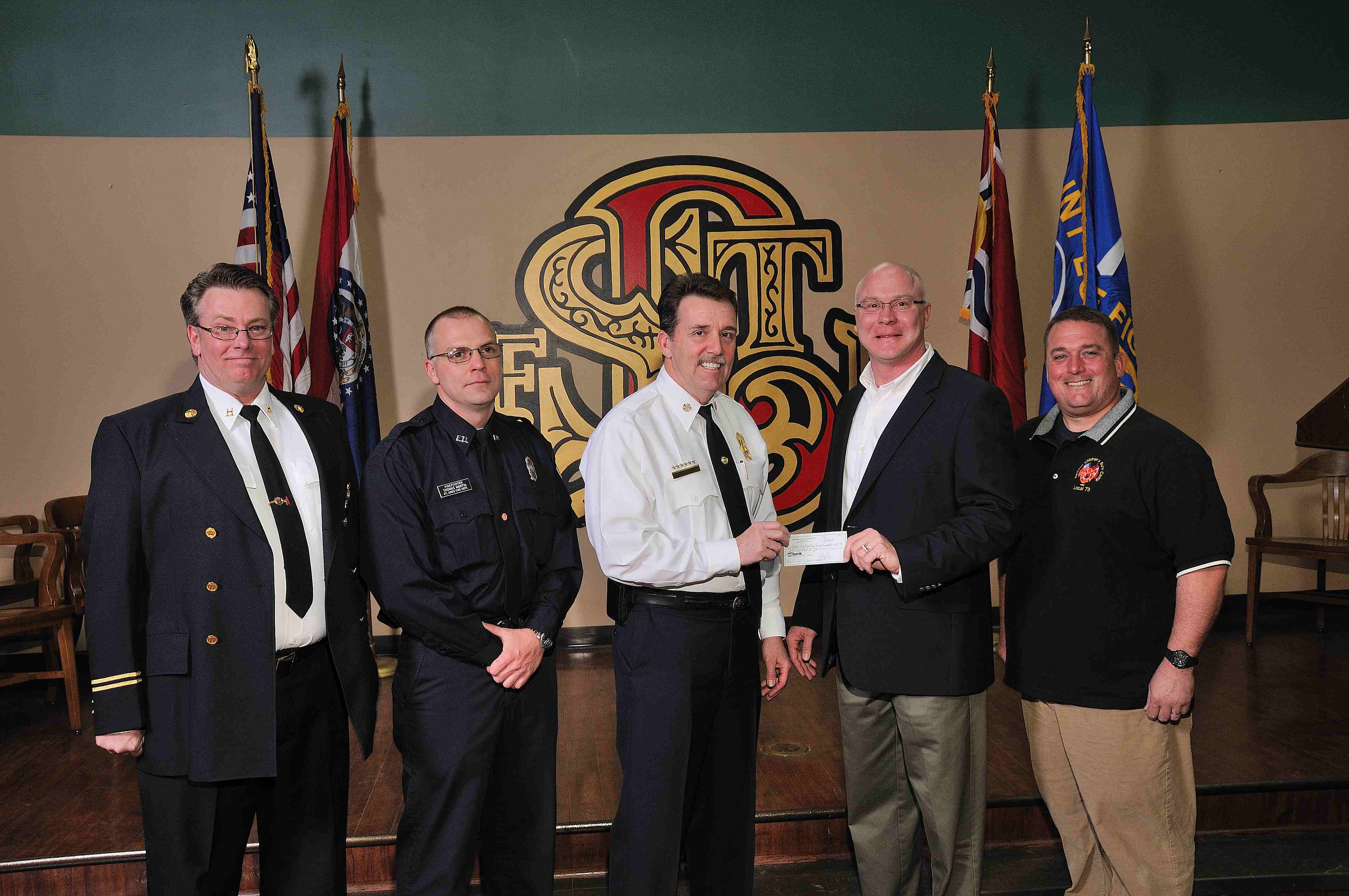
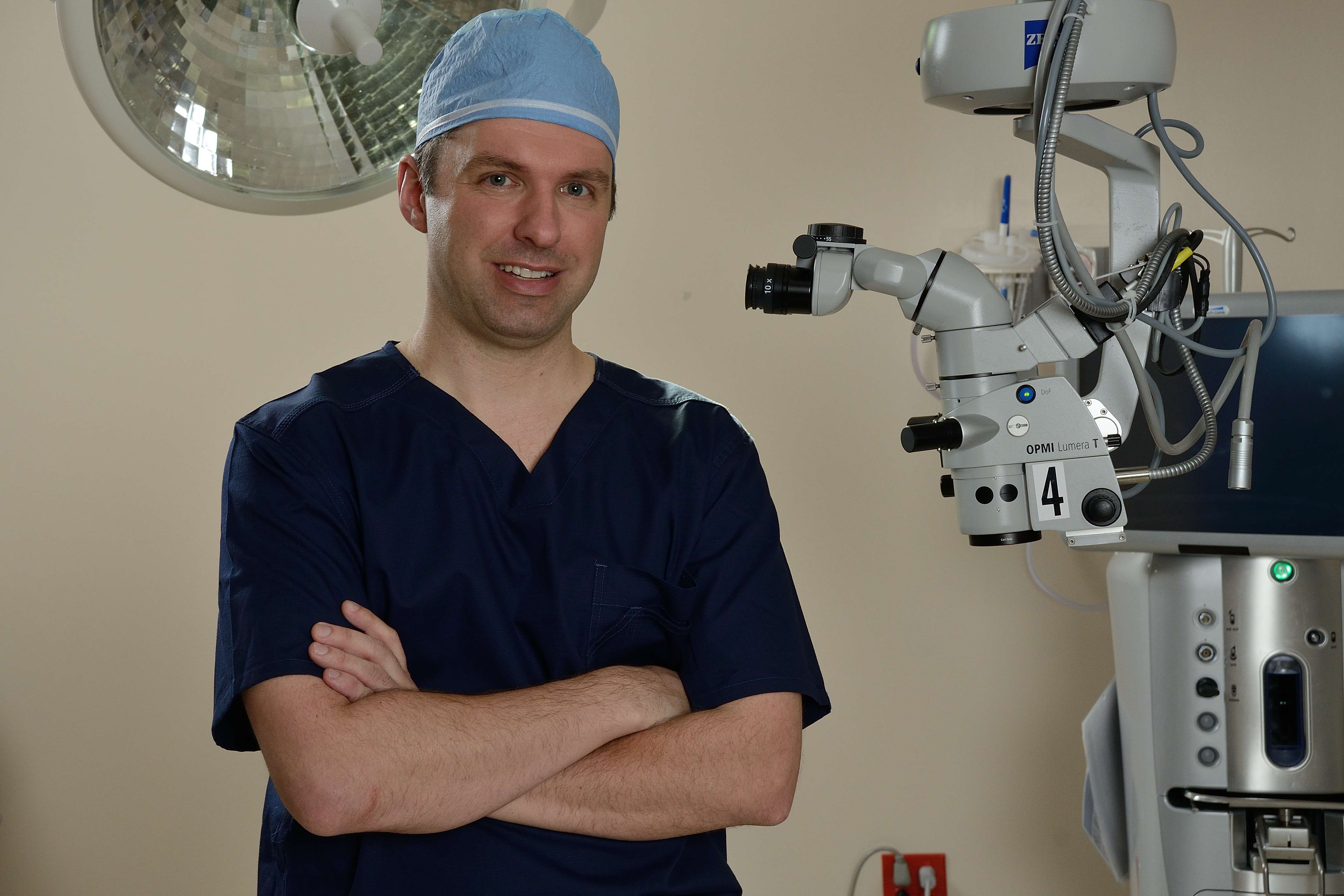
At St Louis Headshots, we bring the experience, equipment, and creative crew support needed for successful image acquisition for businesses, marketing firms, and creative agencies throughout the St. Louis area. As a full-service professional commercial photography and video production company, we have worked since 1982 with organizations that need dependable, high-quality visual content for marketing, branding, and communications.
We offer full-service studio and location video and photography, along with editing, post-production, and licensed drone services. St Louis Headshots can customize productions for diverse media requirements, whether you need executive headshots, marketing photography, interview videos, branded content, or multi-use campaign assets. Repurposing your photography and video branding to gain more traction is one of our specialties, helping clients get greater value from every production.



Our team is well-versed in all file types, media styles, and accompanying software, and we use the latest in Artificial Intelligence across our media services to improve efficiency, organization, and production support. Our private studio lighting and visual setup is ideal for small productions and interview scenes, and our studio is large enough to incorporate props to round out your set. We support every aspect of your production—from building a private custom interview studio to supplying professional sound and camera operators, as well as the right equipment—so your next video production is seamless and successful.
And because we are a full-service production corporation, we can also fly our specialized drones indoors when your project requires advanced aerial perspectives in controlled environments.
If your goal is economical, professional headshots backed by a team that can also support your broader photography and video marketing needs, St Louis Headshots is built for exactly that.
314-913-5626
Mike Haller
Studio by appointment: 4501 Mattis Road St. Louis, MO 63128



















































































 St Louis Headshots